ROLLER offers an integration with EFSTA to stay in compliance with EU POS fiscal requirements for venues based in Norway. Discover how to connect to EFSTA in this guide.
The integration syncs your POS devices with EFSTA’s Electronic Fiscal Register (EFR). These POS devices then submit data for each completed transaction to the EFR. The EFR then receives and records the fiscal data. This data has to be printed on the POS receipt.
If you’re running a venue in Norway, and you’re not currently using ROLLER's EFSTA integration, then reach out to your customer success manager or the support team to find out more information.
Integrating with EFSTA
To connect to ROLLER’s EFSTA integration, follow the steps below.
Reach out to your customer success manager, or the support team, and let them know you would like to connect to the EFSTA integration.
Please provide the following information: Tax identification number, which must match the business number that has been entered into your Venue Manager account settings.
For venues in Norway, the tax identification number will start with NO followed by 9 numbers.
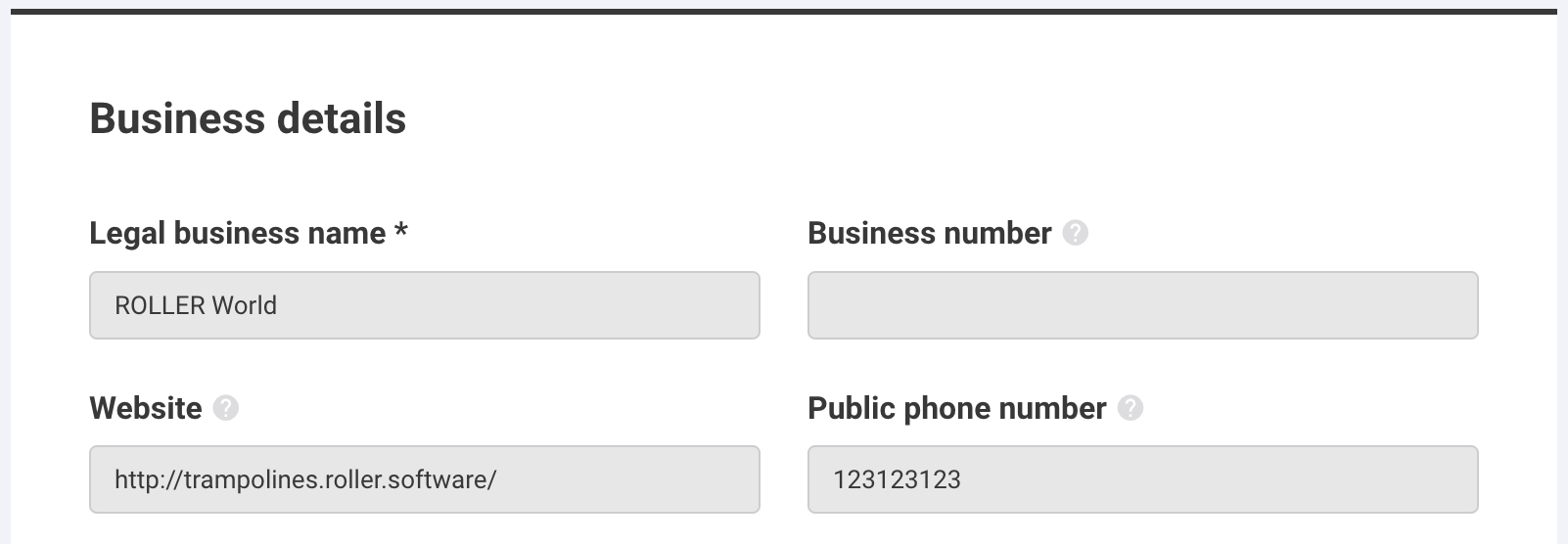
ROLLER will then use these details to register your business within the EFSTA portal. Once this is done, you will need to sync your POS devices to the EFSTA integration. To do so, follow the steps below.
From Venue Manager, go to Apps > Point of Sale > Devices.
In the top-right of the page, select Sync with EFSTA.

Once this is complete, your POS devices will be synced to EFSTA’s Electronic Fiscal Register (EFR) and will start to submit transaction data to the EFR.
If you would like the ability to download your data from the EFSTA portal, for an audit for example, please let your customer success manager or the support team know.