You can’t learn a new system in a few calls. ROLLER Learn gives you and your team short video courses to watch before each stage of onboarding. You learn the basics at your own pace, and your calls with your customer onboarding manager can focus on how ROLLER works for your venue.
Who gets ROLLER Learn
ROLLER Learn is part of onboarding when you’re setting up ROLLER at a new venue. You’ll get access if both of these apply:
ROLLER is building your account for you.
Your onboarding is in English.
If either doesn’t apply, your customer onboarding manager will explain how your training works.
Sign in to ROLLER Learn
Your customer onboarding manager adds you and your team to ROLLER Learn after your kick-off call. You’ll get a welcome email when your ROLLER Learn account is ready. It has its own login, separate from ROLLER.
Because your ROLLER Learn account is new, you’ll set your password using the Forgot your password? link.
Go to customer.learn.roller.software and select Forgot your password?.
Enter the email address your welcome email was sent to and select Send me instructions.
Open the email, select the reset link and create your password, then sign in.
Didn’t get a welcome email? Check your spam folder, then ask your customer onboarding manager to send it again.
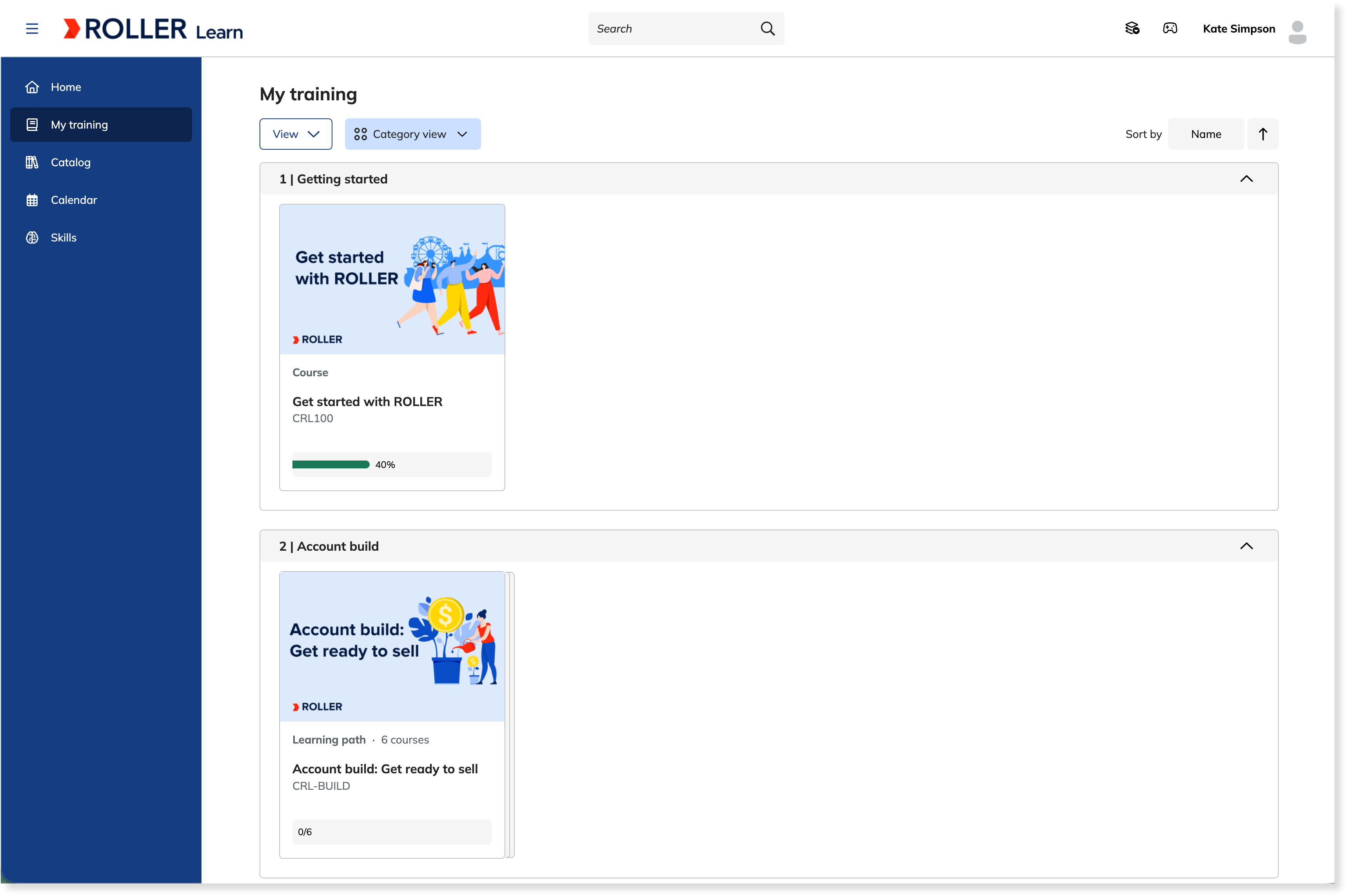
Your courses are waiting in My training.
Download your certificates
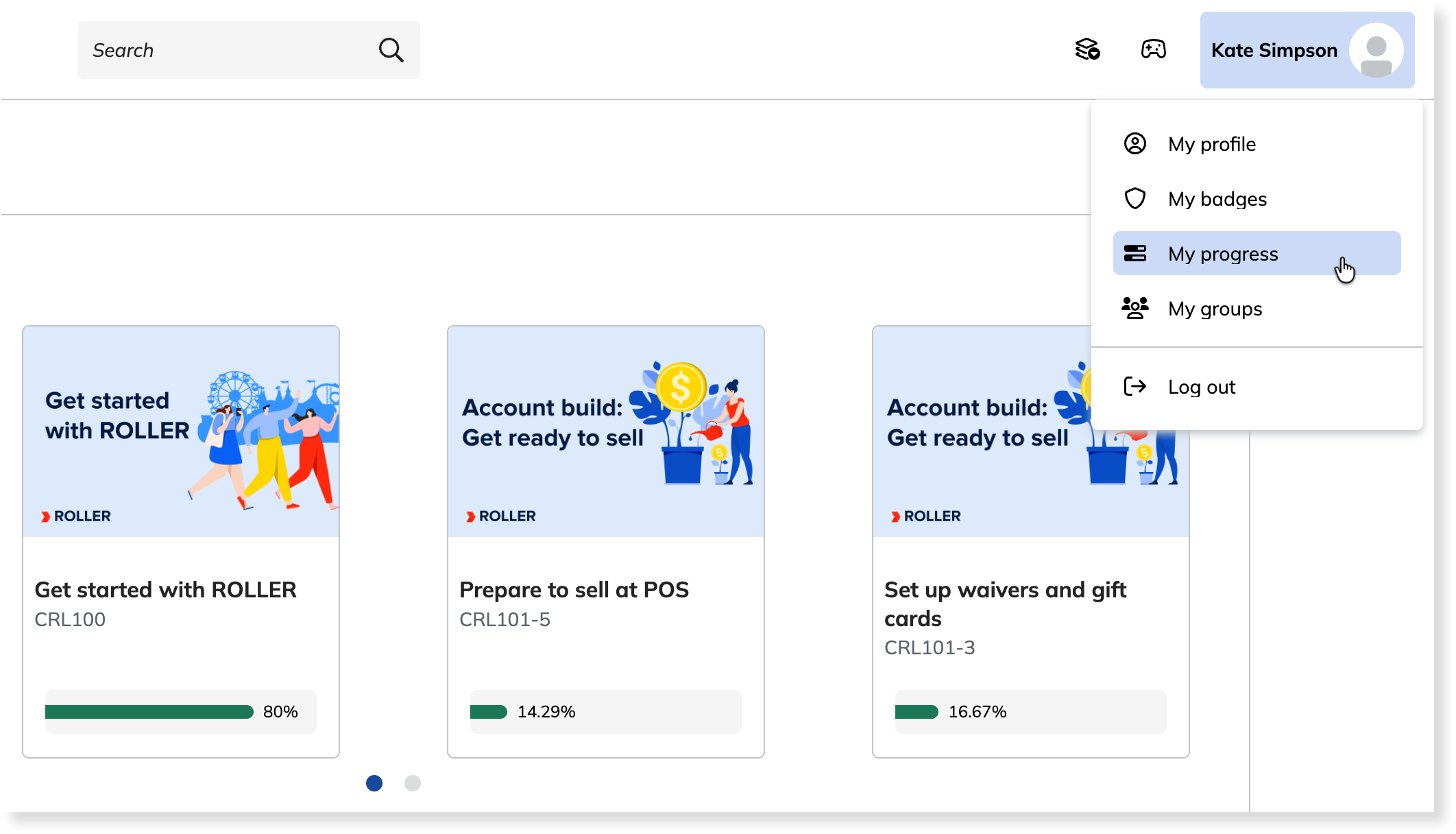
You earn a certificate for each course you finish. It’s a record of your training that you can keep.
Select your name at the top right, then select My progress.
Select the Certificates tab.
Select the download icon next to the course. To look at the certificate first, select Preview certificate.
Take your courses in this order
You'll only see the courses that match your role. Take them in the order below.
Step | Courses | What you'll learn | Who it's for | Finish by |
|---|---|---|---|---|
1 | Get started with ROLLER | How ROLLER works, and how a booking moves through your venue from start to finish | Everyone | Before your Discovery call |
2 | Account build: Get ready to sell | Account build is the setup of your ROLLER account before you launch. These courses show how ROLLER sets up yours (resources, schedules, products, checkouts and POS), so you can test it, check it’s built correctly and change it later. | Whoever will review and test your account before launch, and owners or managers who want to see how it’s built | Before your account review call |
3 | POS | How to sell, check guests in and manage bookings at POS, plus till sessions, refunds and device setup for supervisors | POS operators, floor leads, supervisors and duty managers | Before your operational Q&A call |
4 | Venue Manager | How to manage bookings, guests, parties and memberships in Venue Manager, ROLLER's back office | Owners, supervisors and duty managers | Before your operational Q&A call |
5 | Reporting and Analytics | How to monitor daily performance, reconcile till sessions and payouts, complete month-end reports and find trends in Analytics | Owners, managers, finance and bookkeepers | After you launch, before your Reporting and Analytics webinar |
To see what happens on each call and what to prepare, see the guide Implementation training plan.
FAQs
Where do I find my courses?
Your courses are in My training. Take them in the order in this guide. Catalog lists every course in ROLLER Learn, and you can enroll in any of them at any time.
What if I didn't get the welcome email?
Your welcome email may take a few days to arrive after your kick-off call. If it hasn’t come, check your spam folder. If it isn’t there either, ask your customer onboarding manager to check the email address they have for you and send it again.
How do I get access for someone else on my team?
Ask your customer onboarding manager to add them. Tell them each person's role, so they get the right courses. If you have more than one venue, you can ask for people from each venue to be added. Not everyone needs a login. The people who take the courses can train the rest of your team in Playground.
How long do I have access to ROLLER Learn?
You have access for 90 days from your enrollment date. That's the date your customer onboarding manager enrolls you in ROLLER Learn. If your onboarding is running longer, ask them to extend it before the 90 days end.