Question
How do I cancel an invoice that's been emailed to a guest?
Solution
To cancel an invoice, follow the steps below.
From Venue Manager, search for and select the Booking ID or Name.
From the Activity stream on the right for the guest booking, hover your mouse over Sent invoice, then select the options menu (3 dots).
Select Cancel invoice.
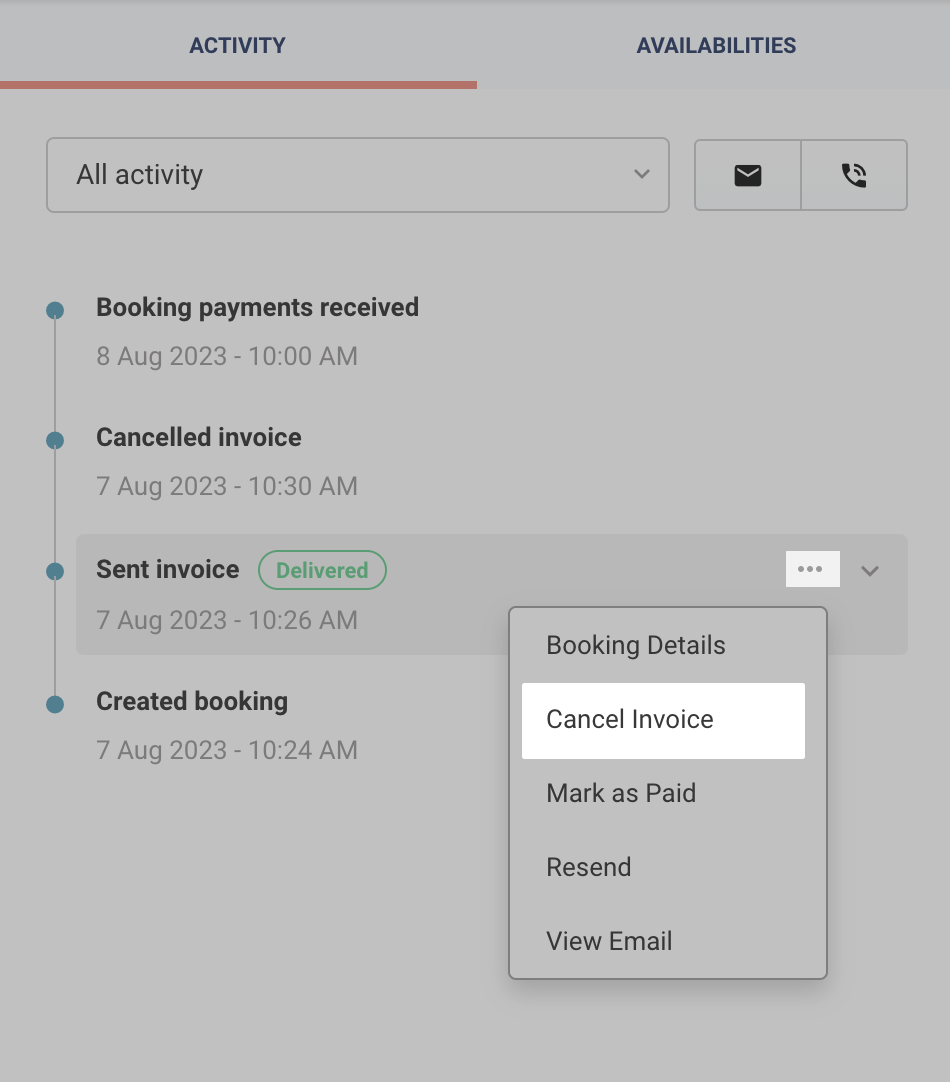
The invoice will be canceled immediately and your guest will no longer be able to access the invoice or pay the invoice.
If you need to generate a new invoice, it’s always best practice to cancel an outstanding invoice before issuing a new one.