Questions
How do I see the total sales that were made via our online checkout during a certain time period?
How can I find my online gross sales for the day/week/month?
How many sales were processed via our online checkout during a specific time period?
Solution
You can find this information in your Detailed Product Sales report, filtered by booking location:
From Venue Manager, go to Reports > All Reports > Detailed Product Sales Report.
From the date selector, set the date range.
From the booking location filter, select Online checkout.
Select Apply filters.
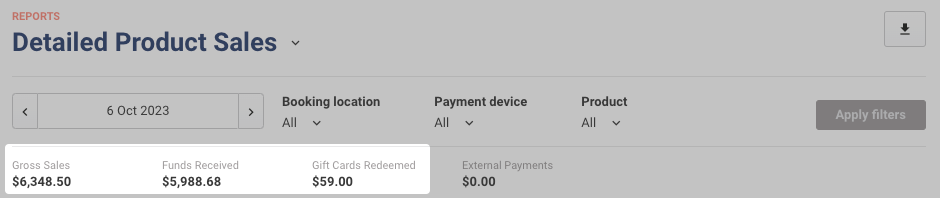
The summary at the top shows totals for the filters you applied (eg Gross Sales, Funds Received and Gift Cards Redeemed). For what each figure includes, see the guide Get to know reporting terms in ROLLER.
The grid provides a detailed breakdown of products sold, filtered for the selected period. For more information, refer to the Detailed Product Sales report guide below.