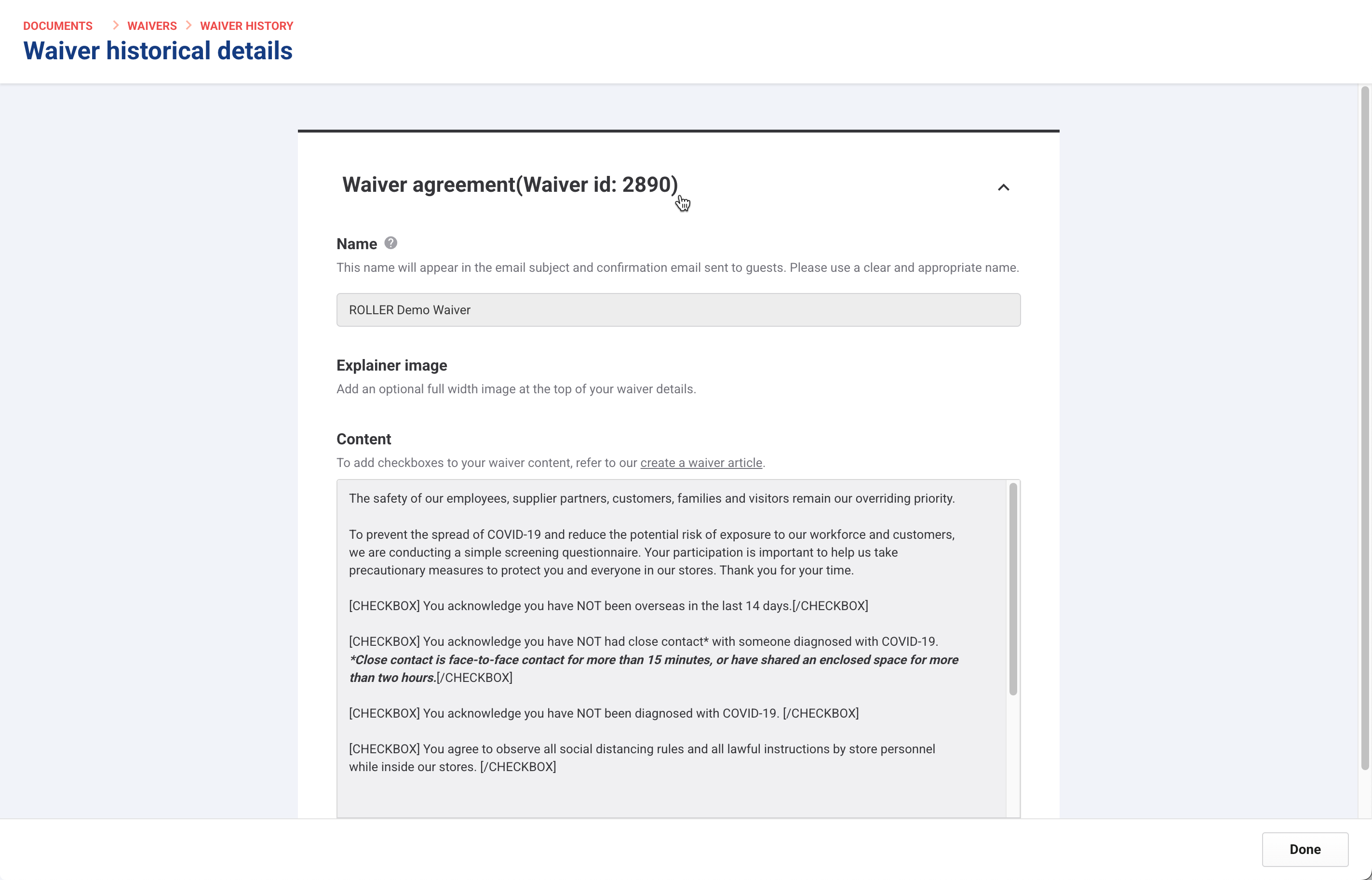
Accessing previous versions of waiver agreements is important for legal reasons, auditing or understanding changes made over time. Having a clear waiver history ensures transparency and accountability.
Steps
From Venue Manager, go to Documents > Waiver > History.
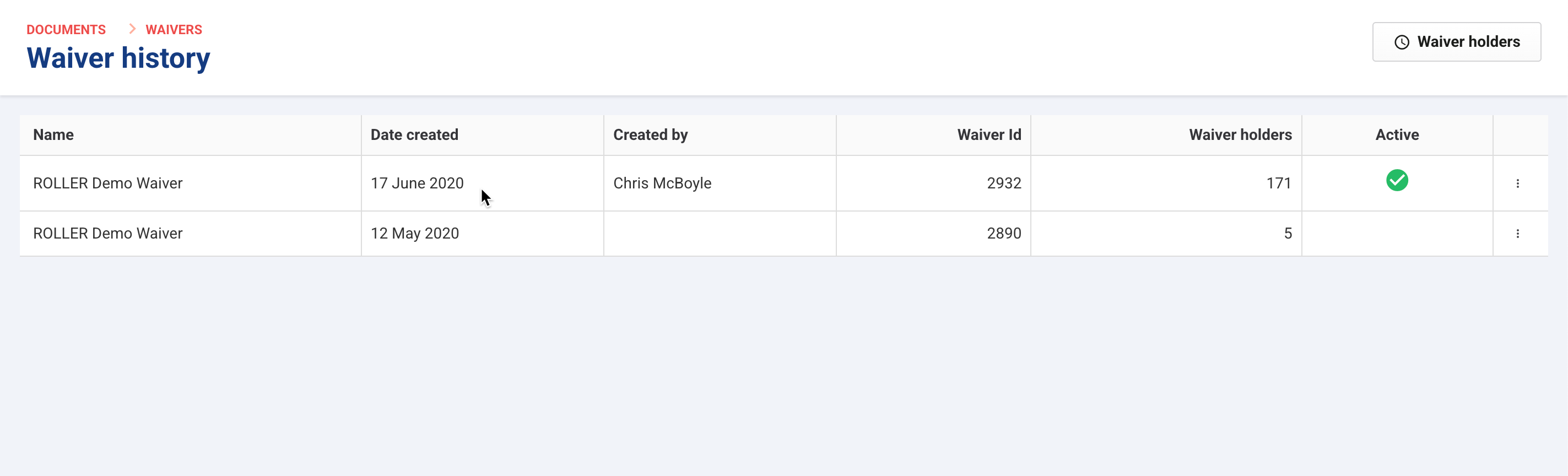
Each row of the Waiver history grid shows a waiver version, and includes:
Waiver name
Date created
Who created it
The unique waiver ID
The number of signed waiver holders for that version
The active waiver. Only the most recent waiver is active.
The most recent waiver is marked as Active. Only one waiver can be active at a time.
Select:
An active waiver to open its details page
A deactivated waiver to open its historical details page