Problem
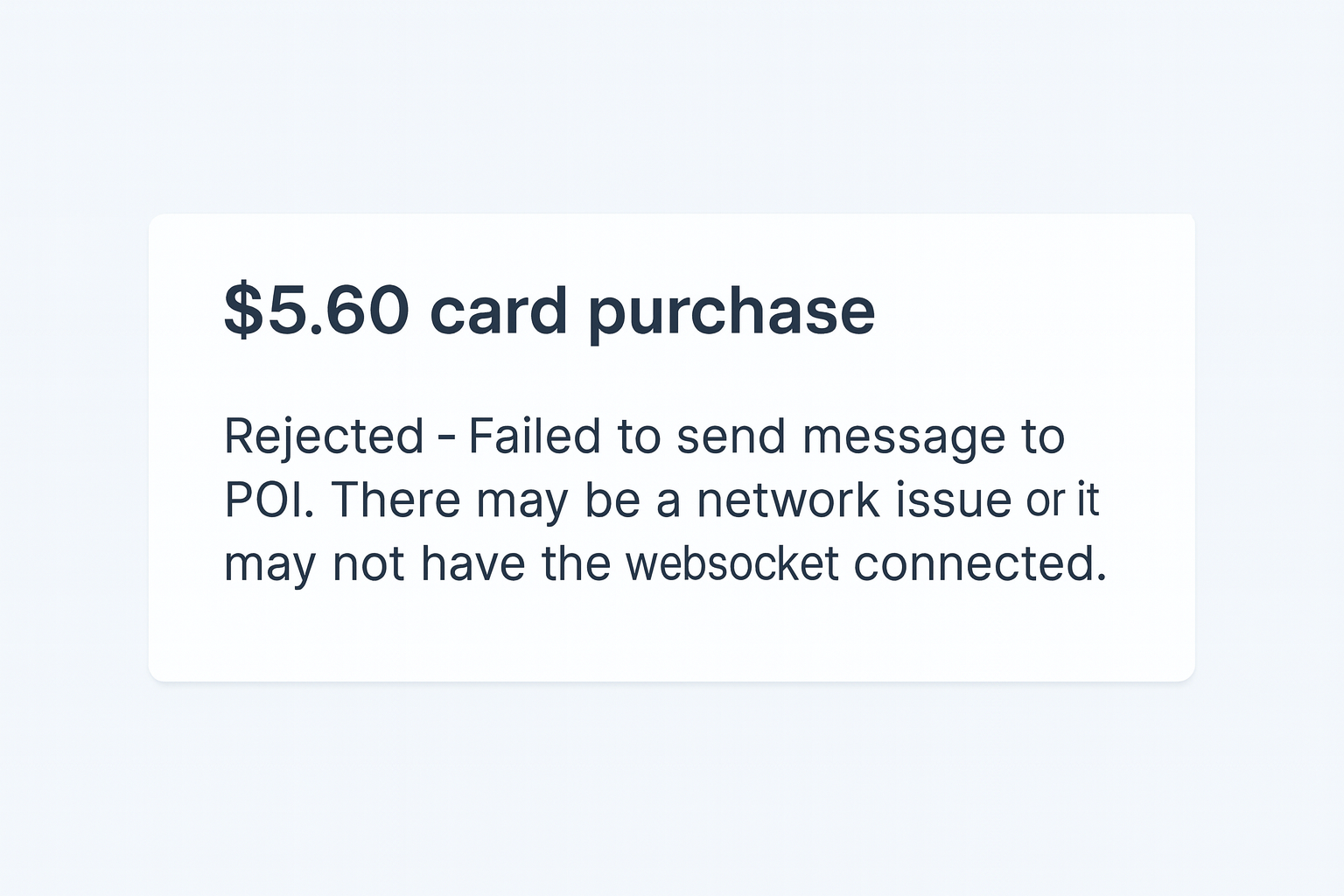
When attempting to sell products at POS, you may encounter an error message similar to the image below. If this error occurs, it means POS failed to send transaction details to your card terminal, preventing the purchase from being completed.
Cause
This error usually happens when a card terminal loses its connection to the network. When taking a payment, transaction details are sent from POS to the assigned card terminal. If a card terminal loses the connection, those details can’t reach the terminal and the device is automatically unassigned from the POS.
Solution
Re-connect your card terminal to your network then assign the terminal to your POS in the device’s hardware settings. This restores the connection between POS and the card terminal which allows transactions to be processed again.
Assign the card terminal at POS
After re-establishing your network connection, follow the steps below:
From POS, go to More > Settings > Hardware.
Select the ROLLER Payments terminal model and serial number field.
Select the model and the serial number in the drop down for the intended card terminal. The serial number can be found on the back of the device.
Select Save Settings
Test that the POS prompts payment requests from the intended terminal.
If the error message persists after following these steps, please contact the support team.