If a guest requests a receipt for a transaction, you can send one directly from the booking's activity stream in Venue Manager.
Email the receipt from the booking's activity stream
From Venue Manager, search for and select the booking.
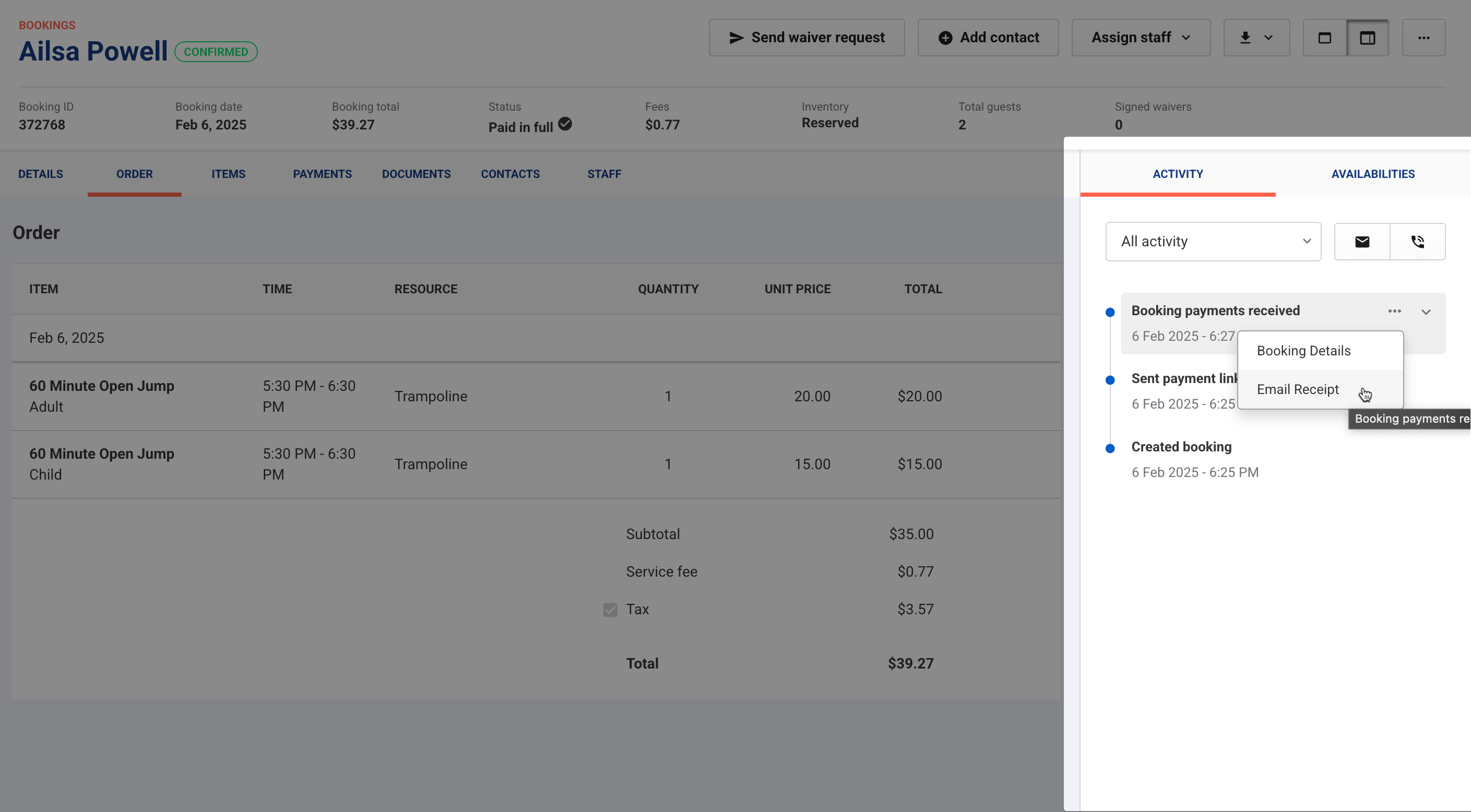
In the Activity stream (right side), find the Booking payments received entry for the transaction.
Hover over it and select the options menu (3 dots).
Select Email receipt to open the Send receipt email window.
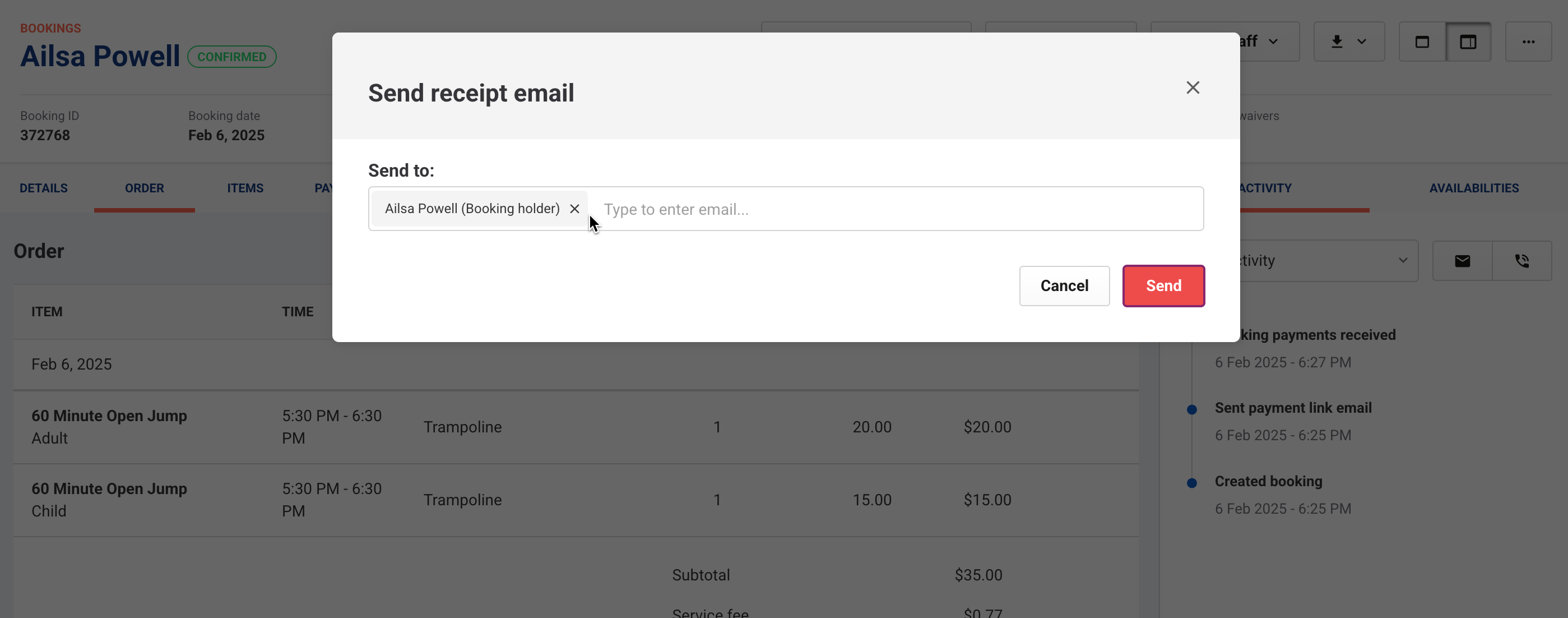
From the Send receipt email window:
To send the receipt to the booking holder, select Send.
To enter a different email:
Select the X to remove the current email.
Type the new email and select Enter.
Select Send.
Guest receives the receipt
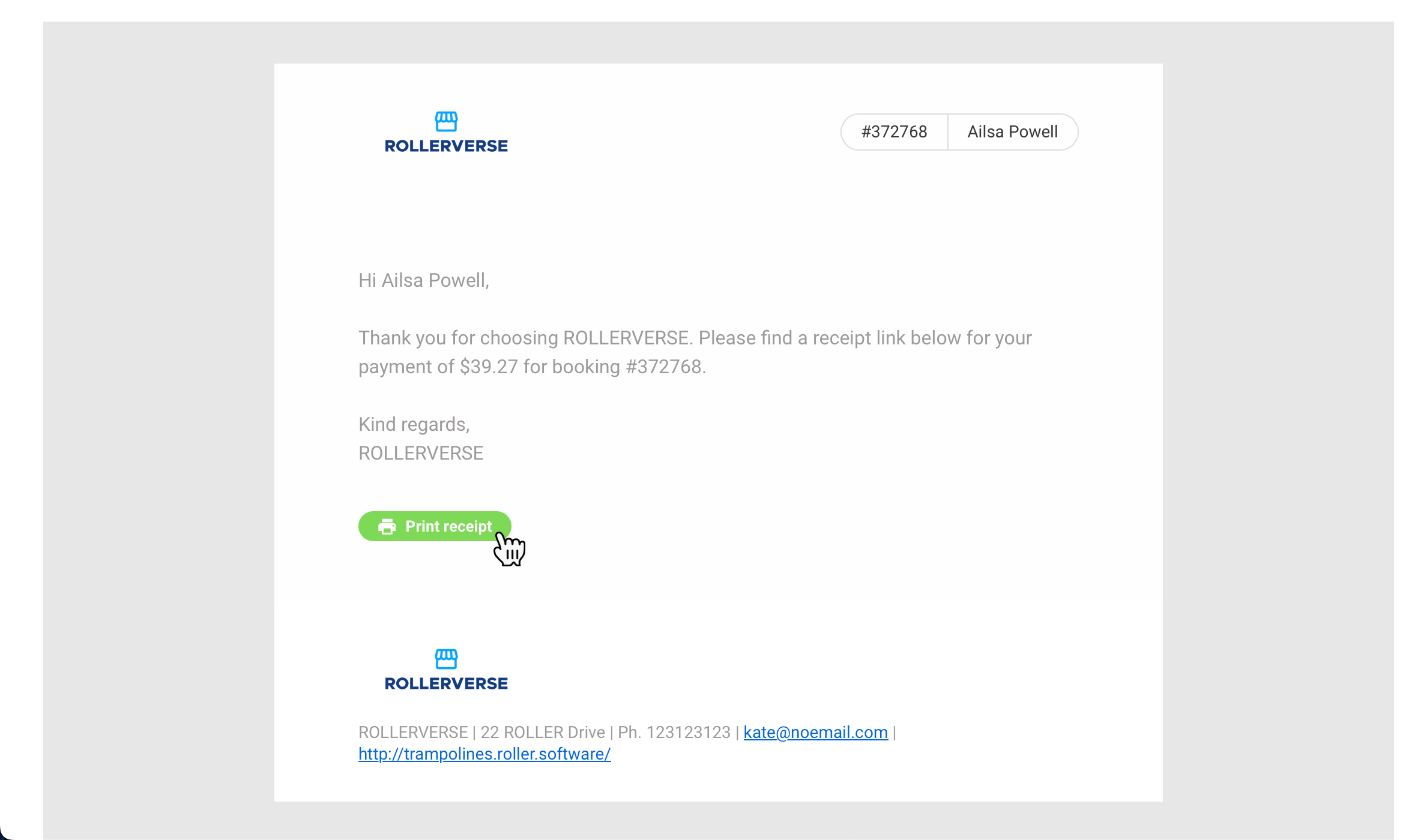
The guest receives an email with a Print receipt link.
They can select it to open a PDF version of the receipt, which they can print or save.