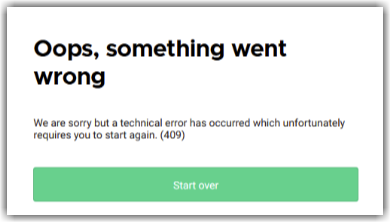
If a standard pass is added to the cart and this message is shown at online checkout:
“We are sorry but a technical error has occurred which unfortunately requires you to start again (409).”
… it usually means the standard pass has been set up with a fixed quantity and is also linked to a resource.
Cause
Standard passes are often used for flexible entry — guests can arrive any time during the day.
When these passes are linked to a resource, they should be set to Unlimited to ensure availability is managed by the resource’s capacity, not a fixed ticket count.
If a quantity limit is applied and the pass is linked to a resource, it creates a conflict — leading to the 409 error at checkout.
Use the Unlimited setting when using resources to manage capacity for standard pass tickets. This allows ROLLER to reduce the resource’s availability across the day instead of restricting the number of tickets sold.
Solution
From Venue Manager, go to Products > All Products.
Select the standard pass you want to update.
From Standard pass details, select one of your variations.
Check the box for Unlimited.
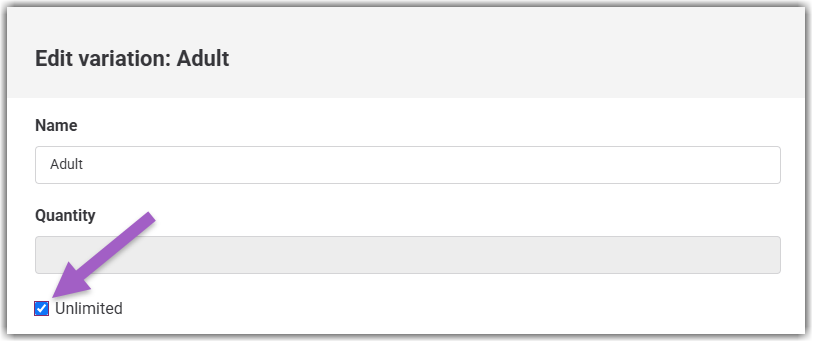
Select Save to save your variation changes.
Repeat this process for any other variations that may need to be updated.
Then, Save the product.
Check it's working
Confirm the Standard pass is now available to purchase from the online checkout:
Go to Apps > Progressive checkout > All checkouts.
Open the checkout URL where guests can purchase the standard pass.
Add the Standard pass to the cart and confirm the notification no longer appears.