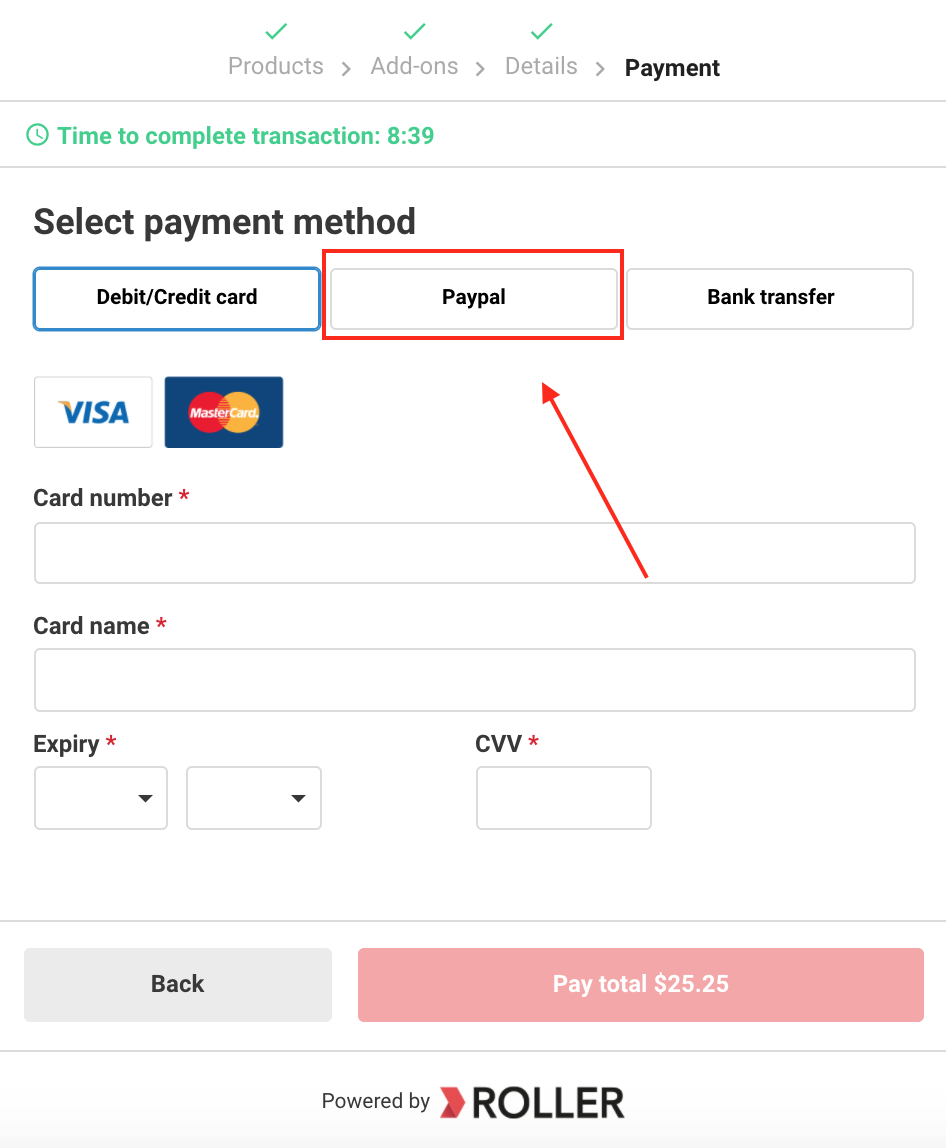
This article shows you how to enable a PayPal payment type for ROLLER accounts using Braintree.
Confirm that the Braintree merchant account is eligible to accept PayPal payments
Integrate Braintree account with the PayPal business account. Refer to these instructions
Log a support ticket with ROLLER and let our team know that you're ready to switch on PayPal payments
ROLLER will enable this as a payment method and let you know once this is complete and ready for testing