Question
Can I change the duration for a session pass product after I’ve saved it?
Answer
No. Session duration for session pass products can’t be changed once you save the time-based product. You can either:
Create a new session pass product from scratch with a new session duration.
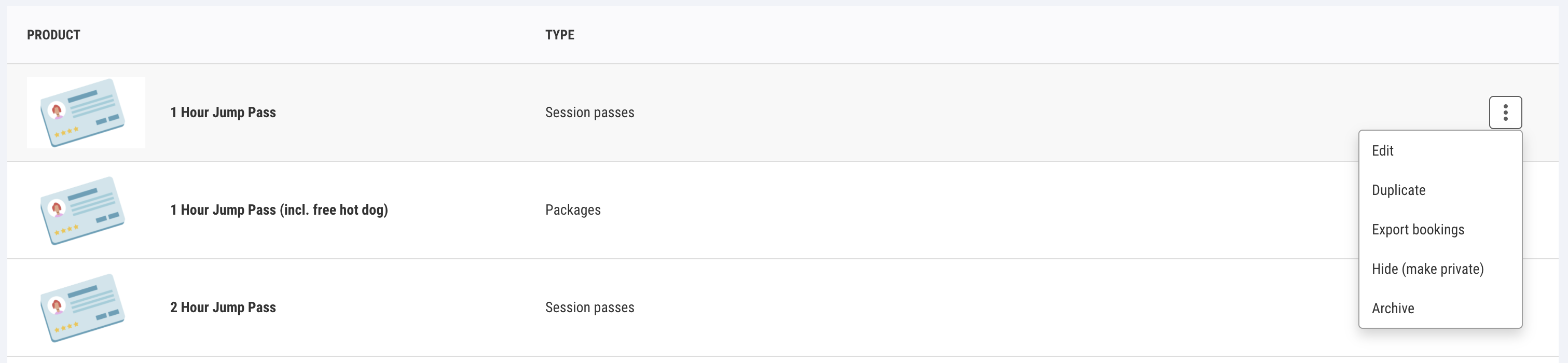
Duplicate the product and change the duration time before saving.
How to duplicate a product
From Venue Manager, go to Products > All Products.
Search for the product you want to duplicate.
Select the options menu (3 dots) for the product.
Select Duplicate.
Enter the new duration time and make other changes (if needed).
Select Save and go to schedules.