This guide will show you how to redeem a membership for a guest in Venue Manager.
Redeem in Venue Manager
To redeem a membership in Venue Manager, follow the steps below.
From Venue Manger, go to Bookings > Create booking.
Create a new booking for the guest.
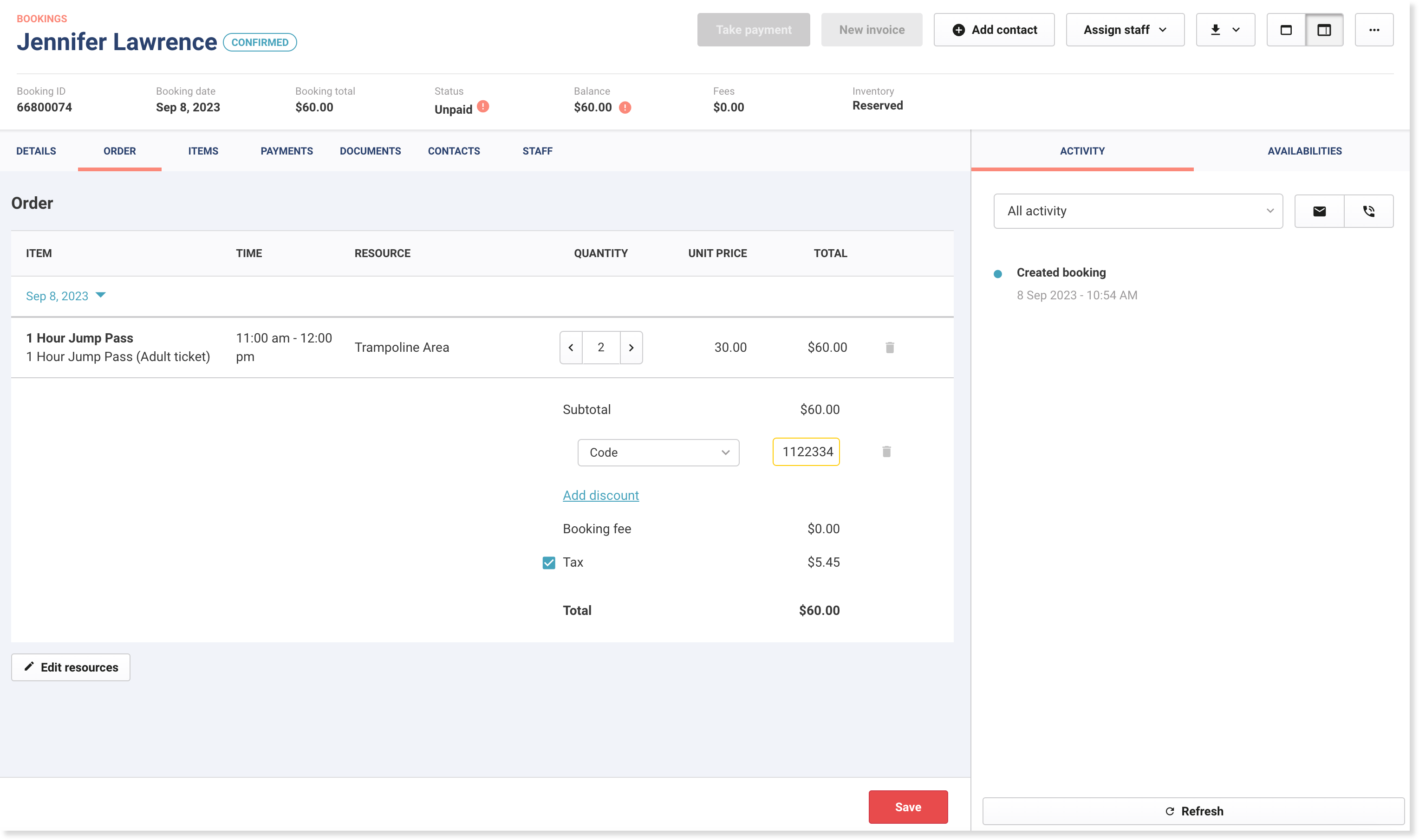
Before taking payment for the booking, select the Order tab.
Select Add discount and make sure Code is selected from the dropdown.
Add the Membership number in the space provided.
Select Save to apply and redeem the membership. You can then take payment.