This article will show you how to search and locate a membership record in Venue Manager.
Search for members using the global search
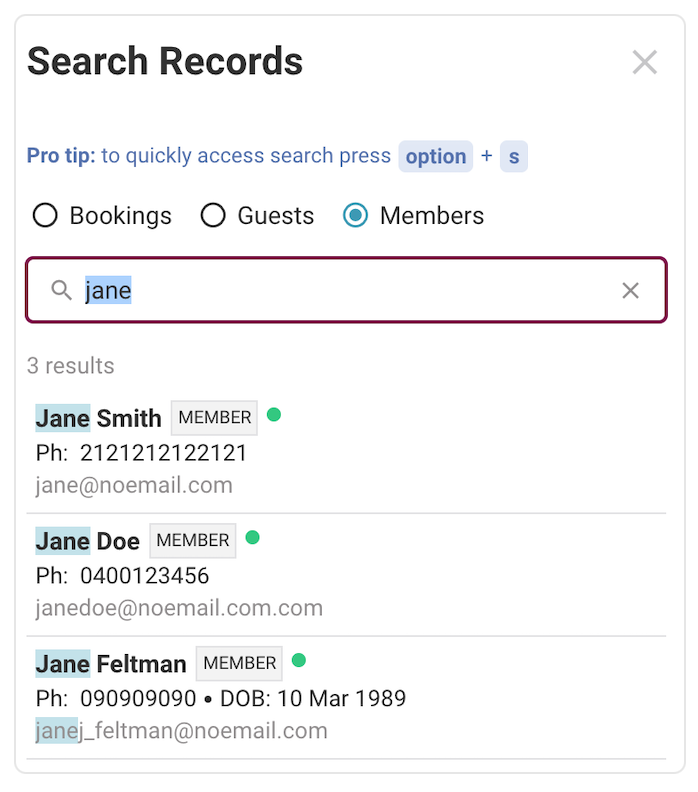
You can find members using their name with the global search feature in Venue Manager. Follow the steps below.
From Venue Manager, search for the name of the member. You can also use their phone number or email address.
Results will appear as you type - you don't need to hit Enter.
When the name of the member you're searching for appears, you can select their name, which will take you to their guest record.
Search the members list
You can search the member list by following the steps below.
From Venue Manager, go to Guests > Members.
Review the list of all members at your venue.
Search or filter the list to find the membership record you want.
The member list contains information on all current and historical memberships. For more information, see Members list help article.