You can download any ROLLER invoice yourself from Venue Manager, without waiting for the emailed copy or asking us to resend it.
If you are the account owner or one of the billing contacts, you will receive a PDF copy of your ROLLER subscription invoice on the 15th of the month via email, based on the billing frequency (monthly, quarterly or annual) indicated on your order form.
The email also has a payment link that can be used to pay the invoice.
You can also view and download your invoices within Venue Manager.
Find your invoices in Venue Manager
From Venue Manager, select the account icon at the bottom of the main menu, then select Billing settings.
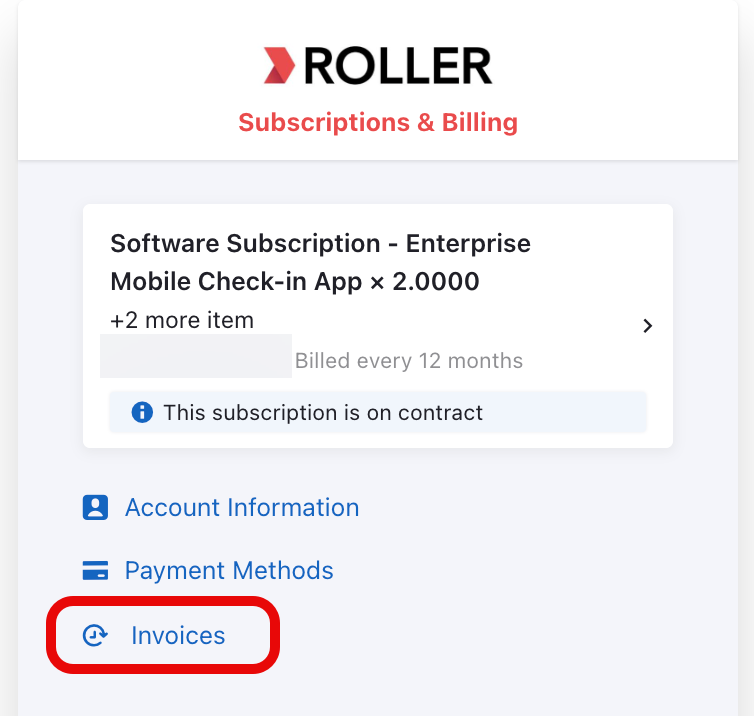
Select Invoices.
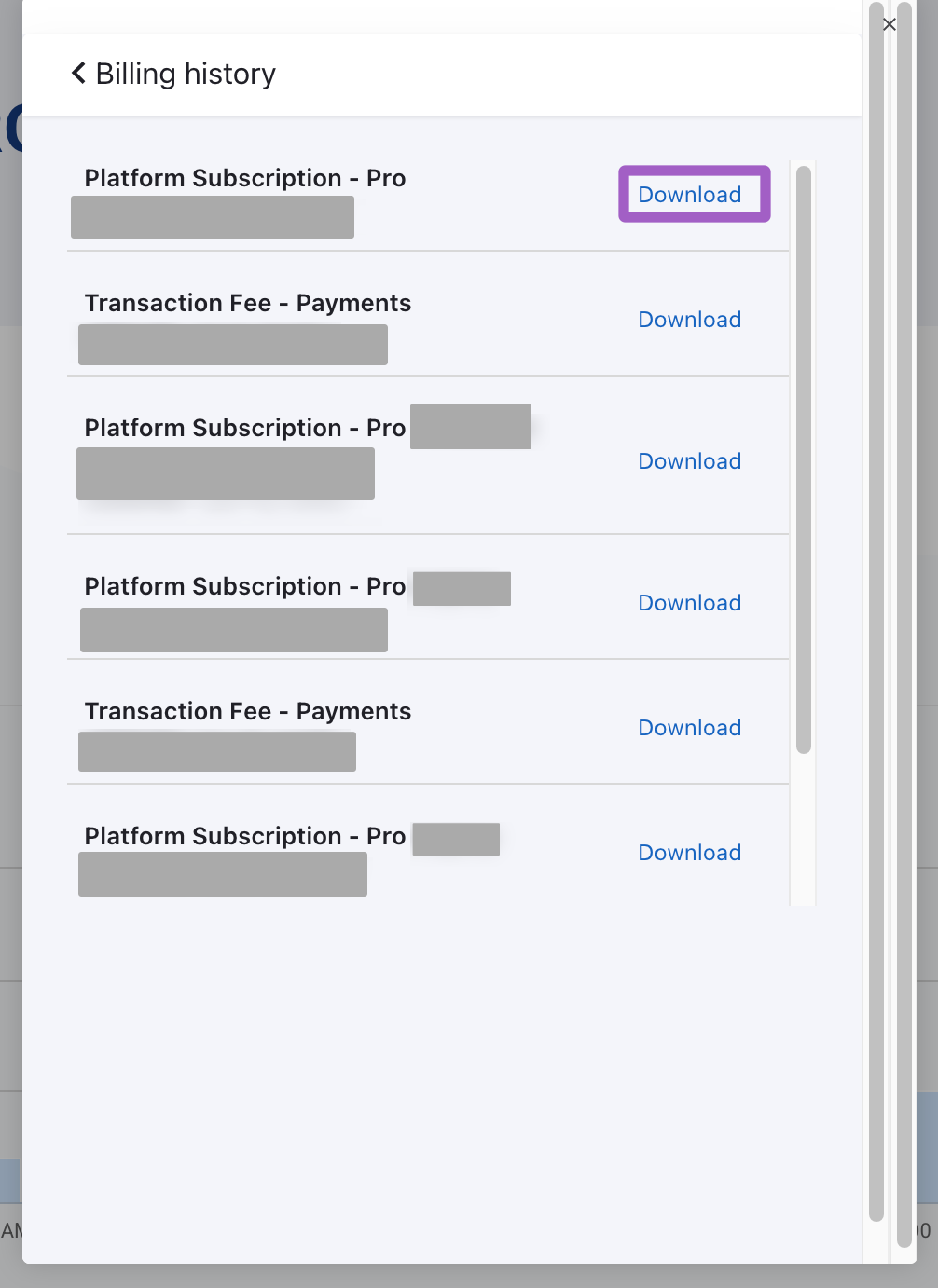
To download a PDF copy of the invoice, select the Download link next to the invoice.
To learn more, see the guide About your ROLLER subscription invoice.
About transaction invoices
Transaction invoices are separate and are issued monthly in arrears for third-party processing fees. ROLLER Payments fees are net-settled from your daily payouts rather than invoiced.
If you need to update your billing contact, refer to Add a billing contact to your account.