If you’re using cloud printing, and you can’t see your Epson printer model in Venue Manager when you create your print stations, this is likely because you’re attempting to configure an unsupported cloud printing printer model.
This guide walks though how to check and confirm that you’re using one of the ROLLER supported printers for cloud printing.
Confirm your printer model
ROLLER supports four Epson printer models for cloud printing. You must be using one of these printer models.
EPSON TM-m30II (Ethernet): Built for easy connectivity with tablets.
EPSON TM-T88VII (Ethernet): Built to support both retail and hospitality environments.
EPSON TM-T82III (Ethernet): Built to support venues with a low volume of POS transactions.
EPSON TM-U220IIB (Ethernet): Built to withstand high temperature environments (eg kitchens).
When you create your print stations in Venue Manager, you can only select one of these four printer models.
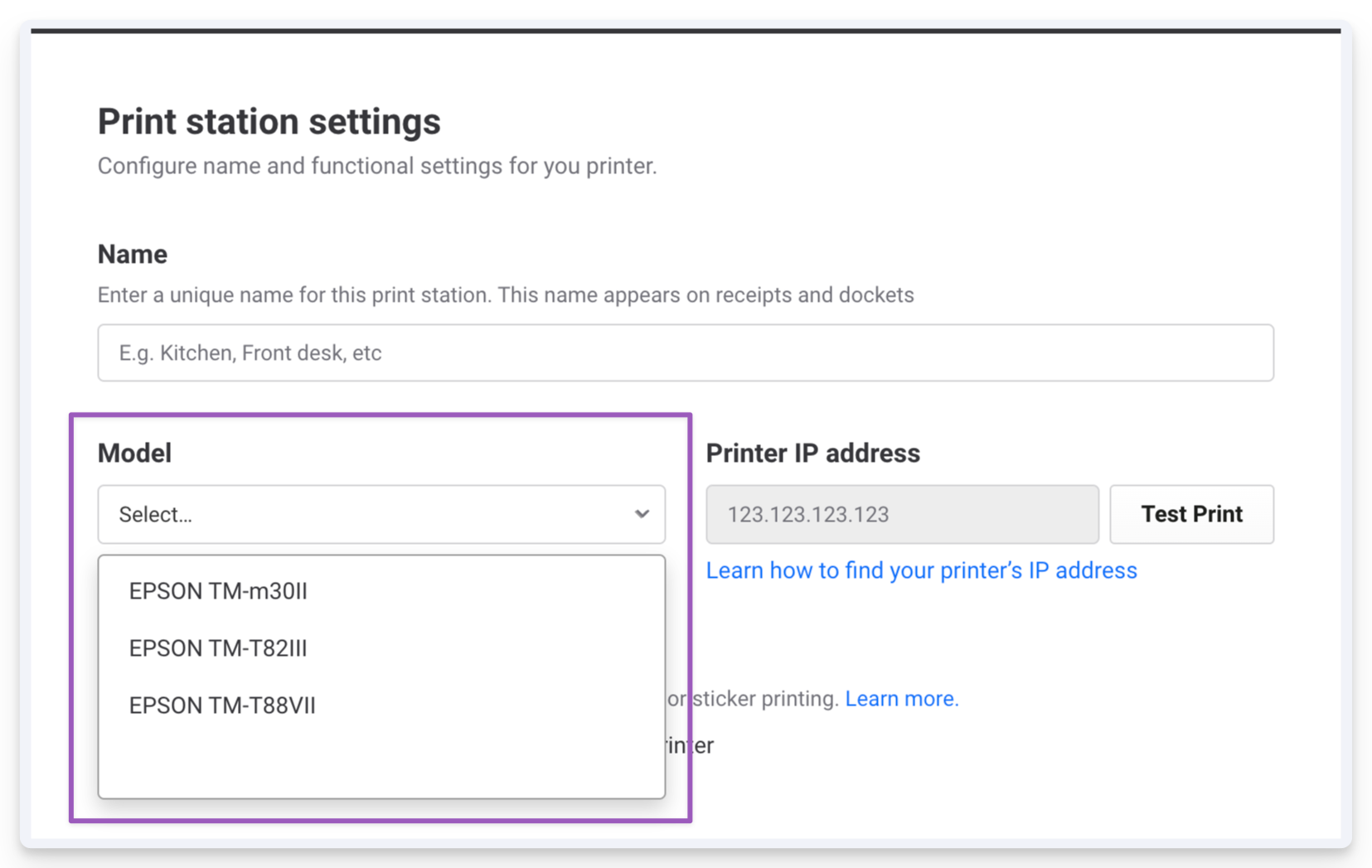
To confirm that the printer you’re using is one of the four supported models, take the back cover off your printer and note down the printer model. Then, match to one of the printer models listed above.
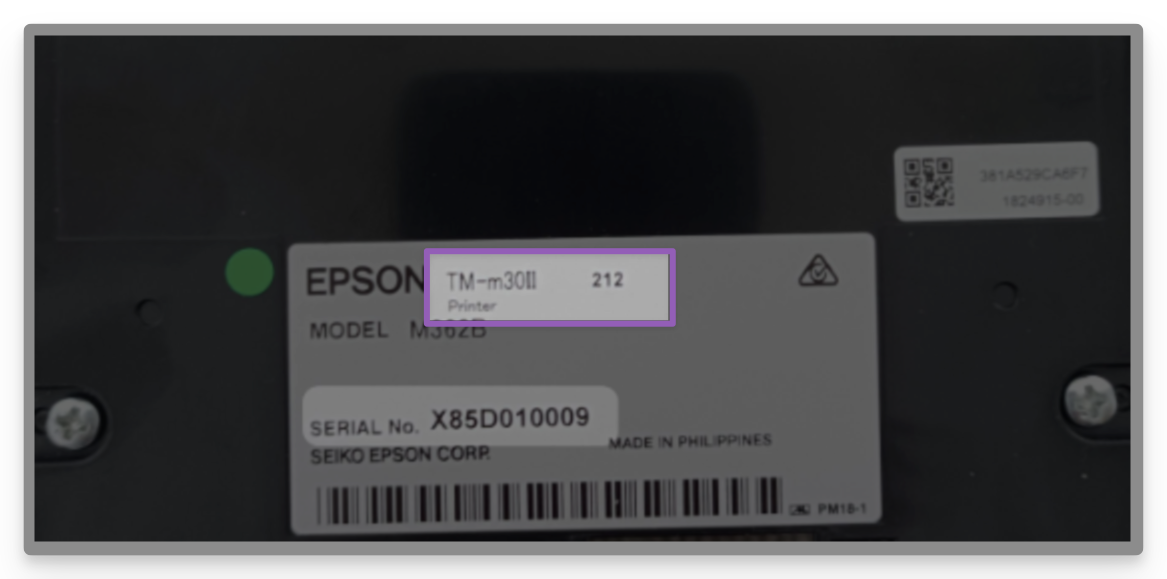
If your printer model isn’t supported, then you’ll have to buy one of the supported printer models to create your print stations.
If your printer model is one of our supported printers and it’s not showing in the dropdown, please reach out to the support team.