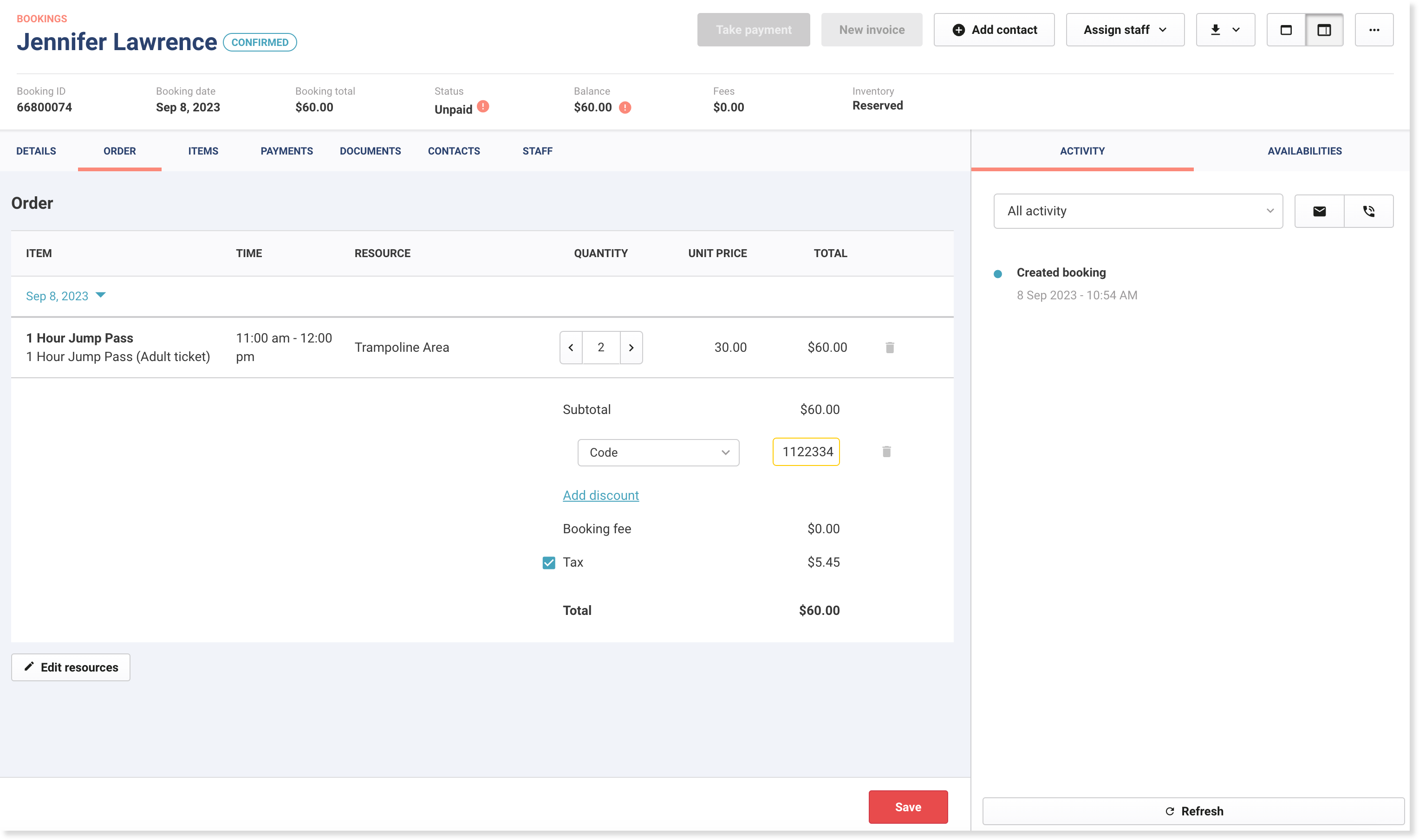
When a member books with you by phone or email, apply their membership to the booking in Venue Manager before you take payment. You add their membership number to the order the same way you'd add a discount code.
Redeem in Venue Manager
To redeem a membership in Venue Manager, follow the steps below.
From Venue Manger, go to Bookings > Create booking.
Create a new booking for the guest.
Before taking payment for the booking, select the Order tab.
Select Add discount and make sure Code is selected from the dropdown.
Add the Membership number in the space provided.
Select Save to apply and redeem the membership. You can then take payment.