Add-on feature
The Mobile Check-in app is a paid add-on feature. To subscribe, check you meet the eligibility requirements, then contact your customer success manager or the support team.
The waivers feature must be enabled before you can use it in the Mobile Check-in app.
During busy weekends, it can be a challenge to check guests in and make sure everyone’s signed their waiver while keeping the queue moving.
Now, you can use the Mobile Check-In (MCI) app to see any relevant waivers (waivers linked to the booking) and send a waiver request without going to a POS device. The guest can then sign their waiver on their own phone.
In the Mobile Check-in app, you can quickly check if waivers are linked to a booking when the waiver was signed using the same email as the booking. While linking individual waivers to tickets is only available in ROLLER POS, you can send a waiver request directly from the app, allowing guests to sign it on their phones.
See a guest’s relevant waivers
A ‘relevant waiver’ is any waiver associated with the guest’s email address.
If a guest has signed a generic waiver in the past or signed a waiver as part of their booking (ie when booking online), you can see them in the MCI app as long as they’ve booked with the same email.
Open a guest's booking in the MCI app.
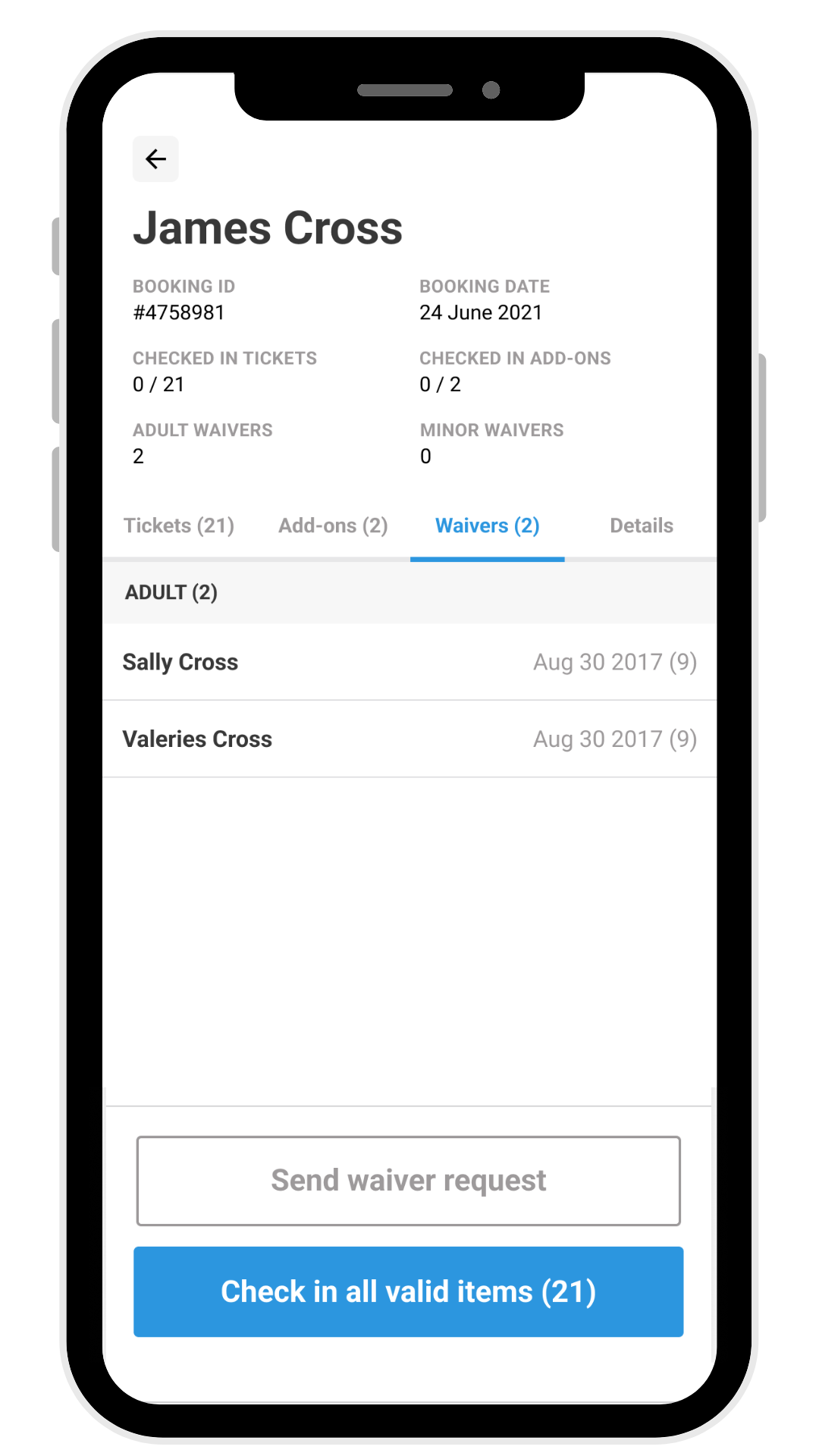
You’ll see a number next to the Waivers tab if ROLLER finds any relevant waivers. Tap the Waivers tab to see the connected waivers and confirm everything is correct.
Send a waiver request
If the guest has no relevant waivers, you can easily send a waiver request directly from the MCI app by selecting Send waiver request. The waiver is sent to booking holder's email by default, then uses Text/SMS if no email is available. The guest can sign it from their phone while in the queue.