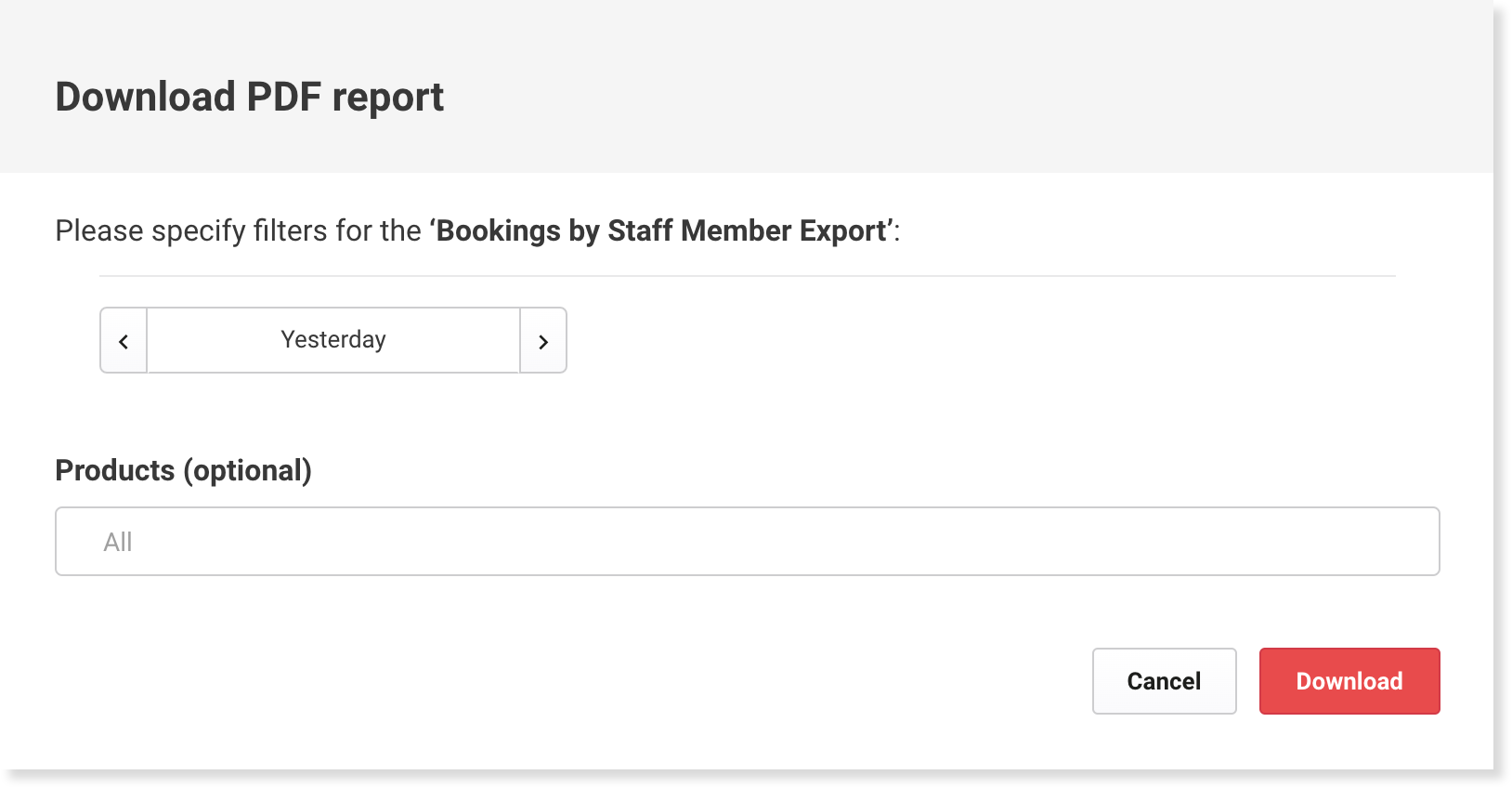
The best way to see all bookings made by staff members at your venue is to download the Bookings by Staff Member Export report (PDF). This report can be filtered by date range and by product.
The report will give you the following information:
Name of the staff member
Each sale the staff member has made
Transaction date
Booking date
Booking ID
Guest name
Transaction amount
Total transaction amount (sum of all transactions made by an individual staff member)
You will need to have the Can access Operations reports role permission enabled to access the Bookings by Staff Member Export report. The administrator and manager roles have this permission enabled by default.
To export the report, follow the steps below.
From Venue Manager, go to Reports > All reports.
Scroll down the page to Operations and select Booking by Staff Member Export.
Include the date range for the data you would like to see by selecting the date picker. The default is set to Yesterday.
[Optional] Filter by particular Products. Select the search bar and then select the specific products you would like to see sales for. Then select Apply.
Select Download to receive your PDF.