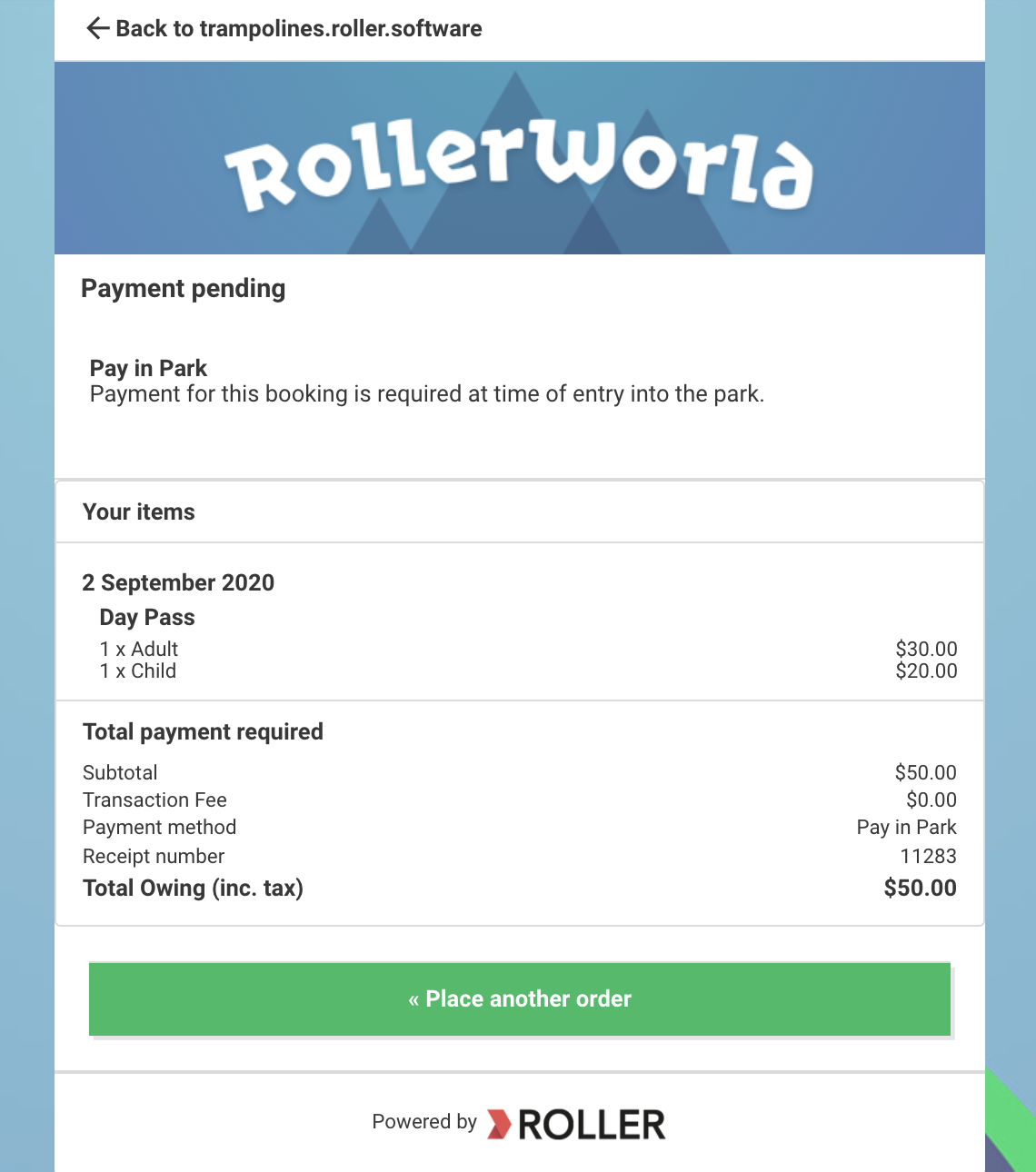
You can allow your guests to book online without paying. When a guest selects this method they receive a confirmation email and invoice they are able to download. This means they are able to pay at another time such as over the phone or at your venue.
This feature is only available using the Legacy checkout.
To configure:
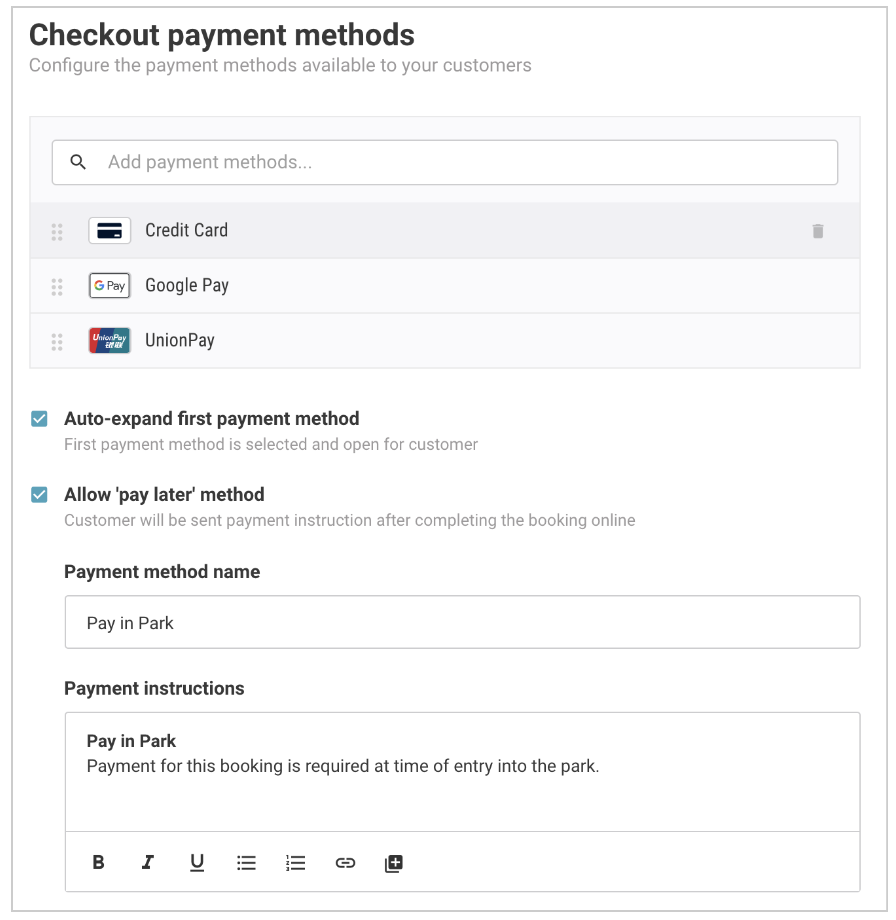
Select Allow 'pay later' method
Enter the payment method name (eg "Pay in the park")
Enter payment instructions (eg "Payment required in park at time of entry")
Click Save
Payment instructions are displayed on completion of the online booking and in the confirmation email the guest receives.
Confirmation email