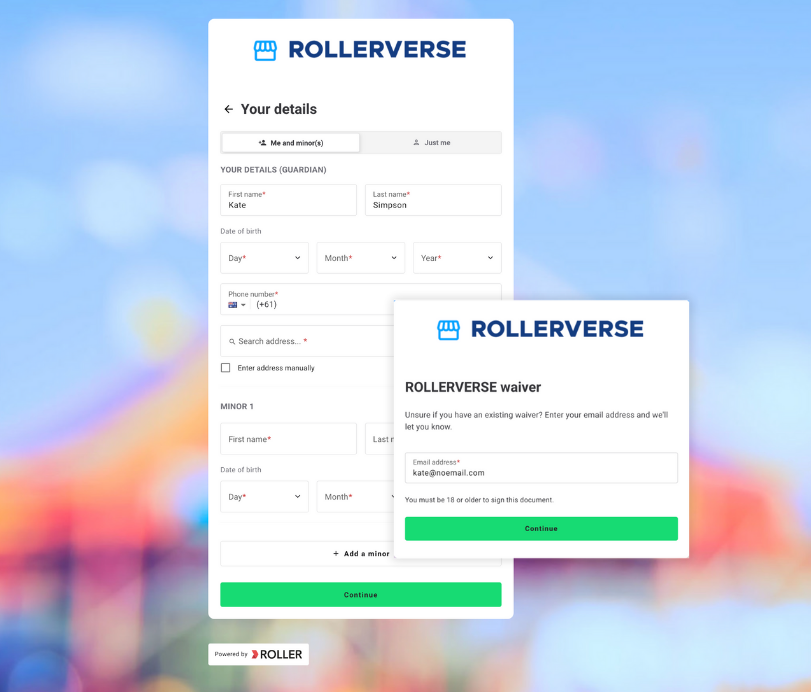
Our integrated digital waivers allow guests to sign before they arrive, reducing queues and eliminating manual paperwork. You can easily see which guests have signed in advance and follow up with those who haven't, making ticket redemption quick and efficient.
Walk-ins or guests who haven't signed can complete waivers on-site using their smartphones with QR codes or at a waiver kiosk, preventing entry bottlenecks and ensuring a smooth process at POS.
ROLLER stores the information guests provide when they complete waivers, allowing you to contact them directly and personalize marketing efforts.
For group bookings, ROLLER simplifies waiver signing by allowing booking holders to share booking-specific waiver links with invited guests. This eliminates delays in ticket redemption, removes the need for paper forms, and helps make sure everyone starts their event or booking on time.
Add-on feature
Protect your venue against liability and improve the guest experience with online waivers. To unlock the waiver add-on, contact your customer success manager or the support team.
In this section, you'll find guides to customize your digital waiver and integrate it smoothly into your operations:
Customize your waiver agreement
Create a waiver
Set up your online waiver in Venue Manager to match your business needs.Configure online waiver settings
Require staff to check and assign waivers at POS and send automatic email reminders for re-signing 2 weeks prior to expiry.
Encourage guests to sign waivers prior to arrival
Get waivers signed by guests
Prompt guests to complete waivers before arrival to reduce entry queues and simplify ticket redemption at POS. For walk-ins or guests arriving without signed waivers, use waiver kiosks and QR codes for quick in-venue completion.Send waiver requests by SMS/text or email from Venue Manager
Easily send waiver requests after creating a booking and track responses in Venue Manager.
Manage waivers
View and manage signed waivers from Venue Manager
Quickly view and manage waiver completion and signed waivers from Venue Manager.Search for waivers at POS
Find waivers at POS quickly.Update your existing waiver agreement
Update your waiver agreement as needed to stay current.View previous waiver agreement versions
Access past waiver versions for accurate records.
Optimize arrival flows and reduce queues in venue
Improve your guest arrival flow with QR codes for waiver completion
Use QR codes for quick waiver completion at entry.Set up a waiver kiosk
Set up kiosks for guests to complete waivers, reducing entry lines at POS.Create dedicated language waiver kiosks
Provide kiosks in different languages for guests who speak other languages.Set up and lock down a waiver kiosk
Secure your kiosk to keep guests focused on completing waivers.