Questions
Why can’t I select the Confirm button when adding the tax-exempt number?
How do I make a booking tax-exempt, such as for a school?
I am trying to remove tax from a sale and it freezes.
Requirements
A company needs to be created for the booking holder (eg school) before adding a tax exemption to the booking. Refer to the guide Create company profiles.
Solution
Create a company
If a company hasn't been previously created:
From Venue Manager, go to > Guests > Companies.
Select Create company.
Fill out the following details. Anything with an asterisk (*) is mandatory:
Upload an image - this is optional, once uploaded, you can drag crop marks to crop as desired and click Save to set the image
Primary contact details
First name*
Last name*
Email*
Mobile
Company details
ABN
Tax identification number
Contact number*
Fax
Website
Address
City
State
Postal code
Country
Select Save to create the company.
Apply the tax exemption to the booking
After the company is created (see above), find the booking ID in Venue Manager.
From the Order tab for the booking, scroll down to the Tax box that is ticked in blue.
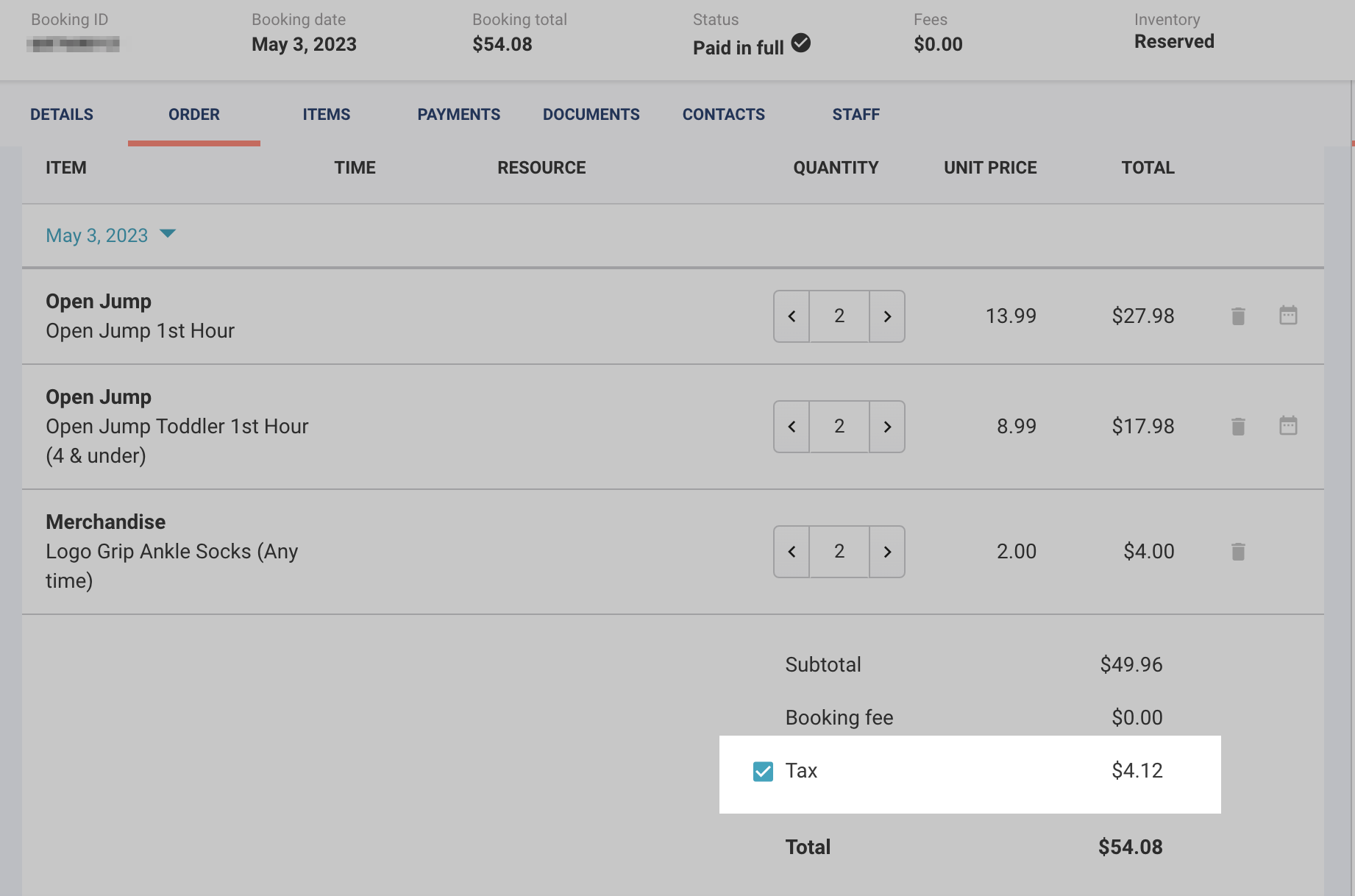
Select the Tax box and a pop-up will appear to override the tax. Select the company that you've previously created from the search box and enter the information required.
Make sure you select the company name from the drop-down list that is in the search box (do not type the name in).
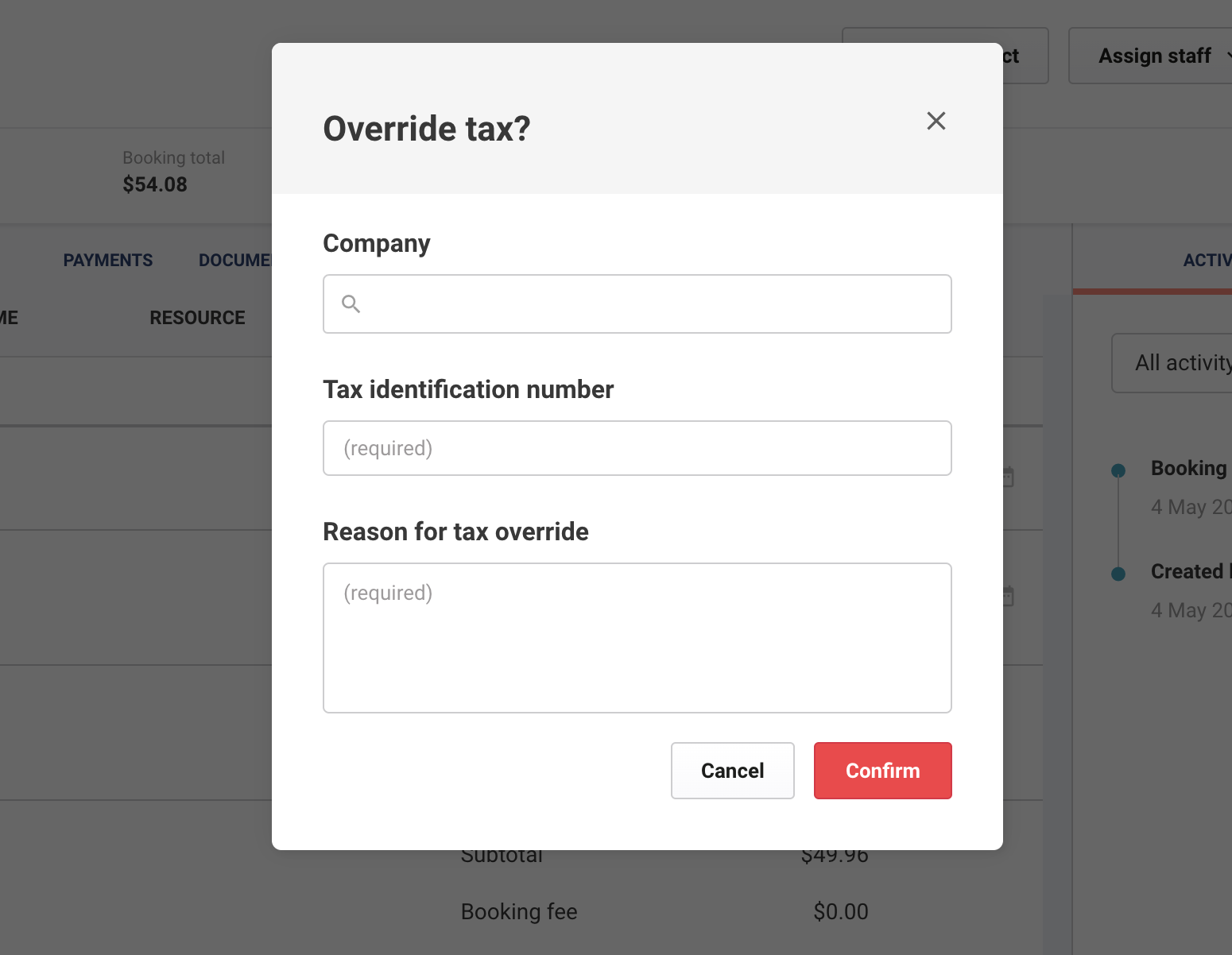
Select Confirm to save the information.