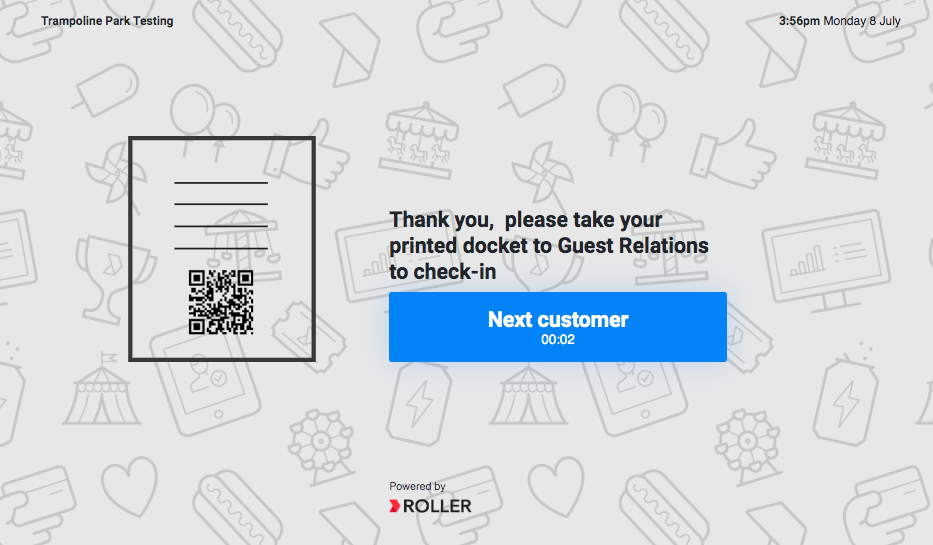
If you’re having trouble with purchases being unavailable or printing tickets from your self-serve kiosk, learn how to troubleshoot in this article.
Why are purchases unavailable?
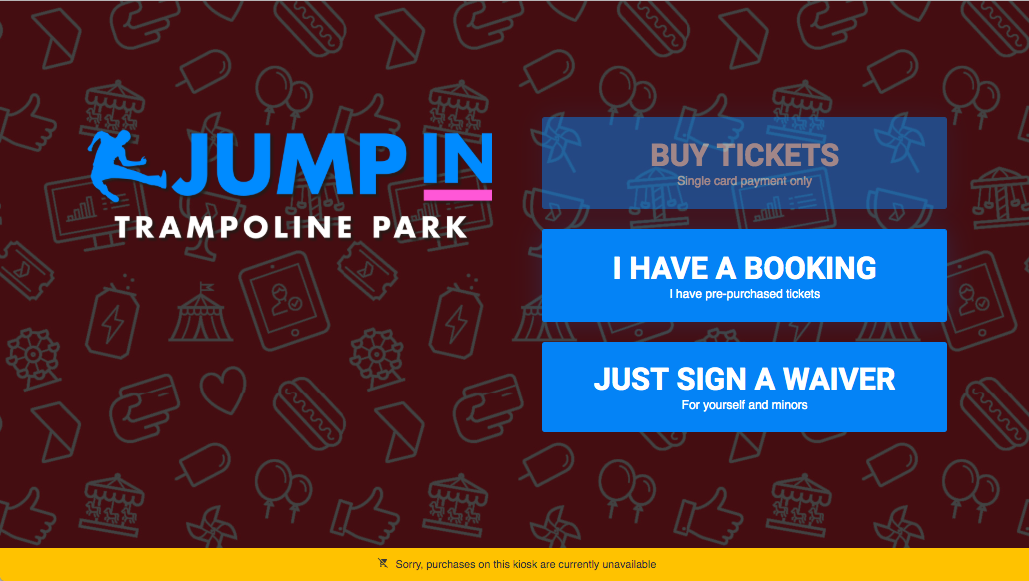
If the Buy Tickets button is not fully visible and there is an orange banner stating 'Sorry, purchases on this kiosk are currently unavailable', check the card terminal and ROLLER Connect settings for the device.
If more than one device is affected, check the internet connection and network settings.
ROLLER Connect is a mandatory requirement for running the ROLLER Self-Serve Kiosk app.
Why aren't any tickets printing?
If the device is not printing, first check the printer has paper.
If it does, check that it is plugged in and set as the default printer.
If a guest was unable to print their ticket, look up their booking in POS to check-in.