This guide shows you how to allow guests to opt in to receive promotional or marketing communications. You can then add these guests to segments in ROLLER along with other attributes to fine-tune your marketing campaigns using third-party platforms.
Configure subscriber options
From Venue Manager, go to Settings > Account > Policy.
Select Unlock to make changes.
Scroll down to Subscription options.
To see the process in action, select the hotspots on the interactive demo below.
Ask guests to subscribe to communications | This enables the guest to subscribe to receive your communications. |
Subscription checkbox is checked by default | When enabled, the above subscription opt-in checkbox is ticked by default and guests are automatically opted-in unless they de-select. |
Subscription opt-in message | This field allows the venue to override the default subscription message that displays to guests. The default message is "I would like to subscribe to updates from {VenueName}". |
Subscription opt-in explanation | Use this field to provide your guests with a detailed explanation of how their data will be used when they subscribe. |
Guest view of subscription opt-in
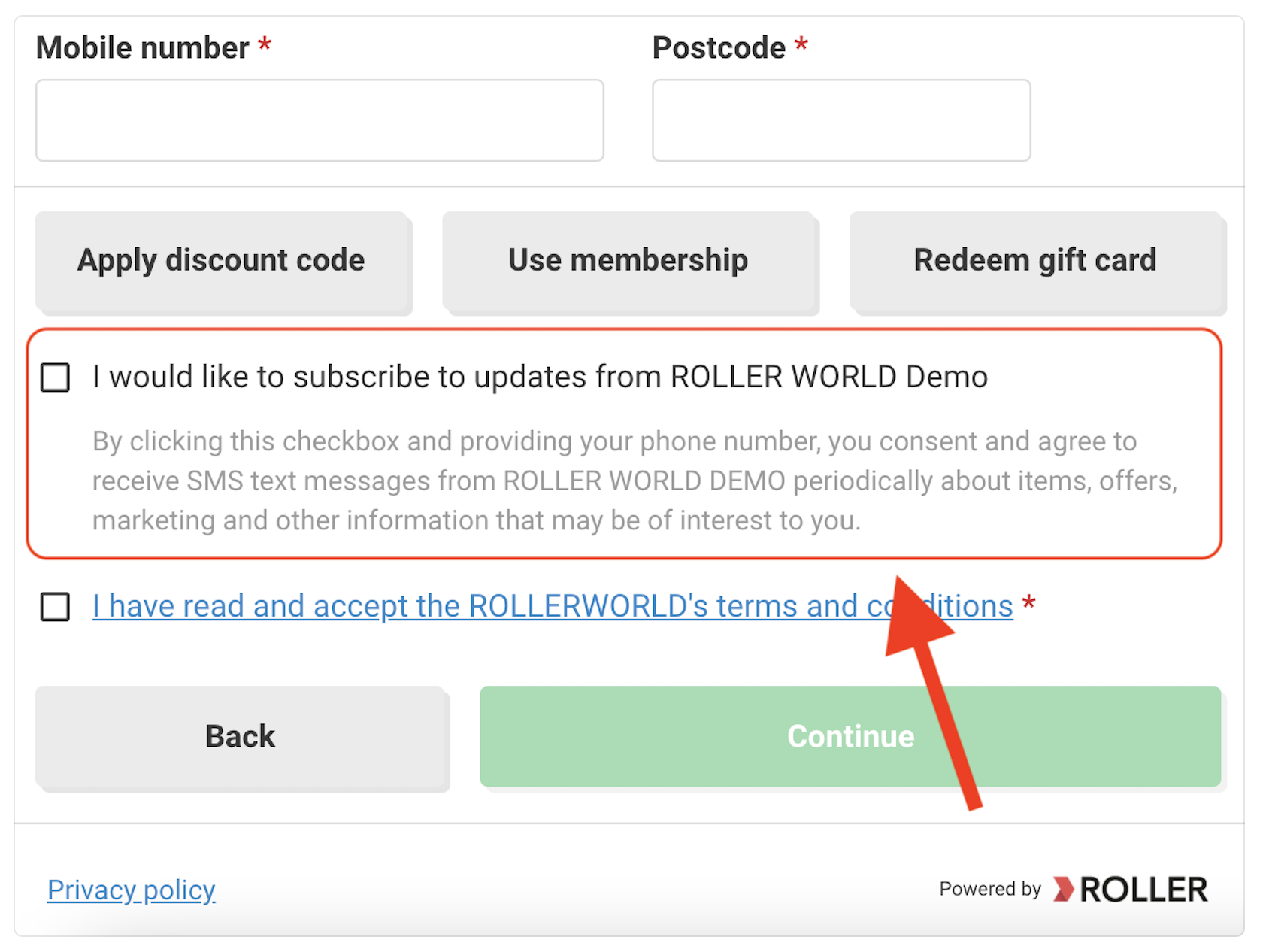
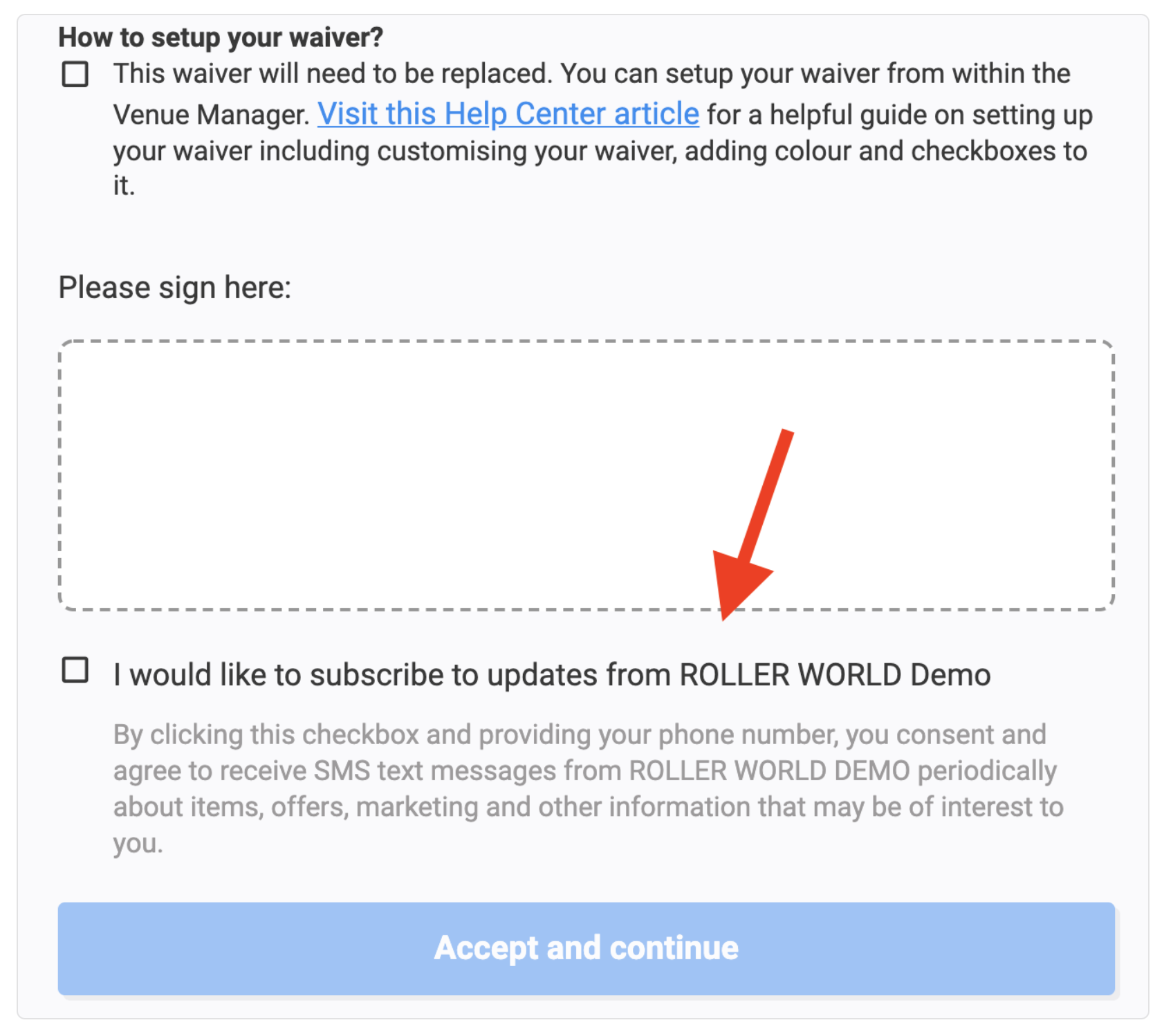
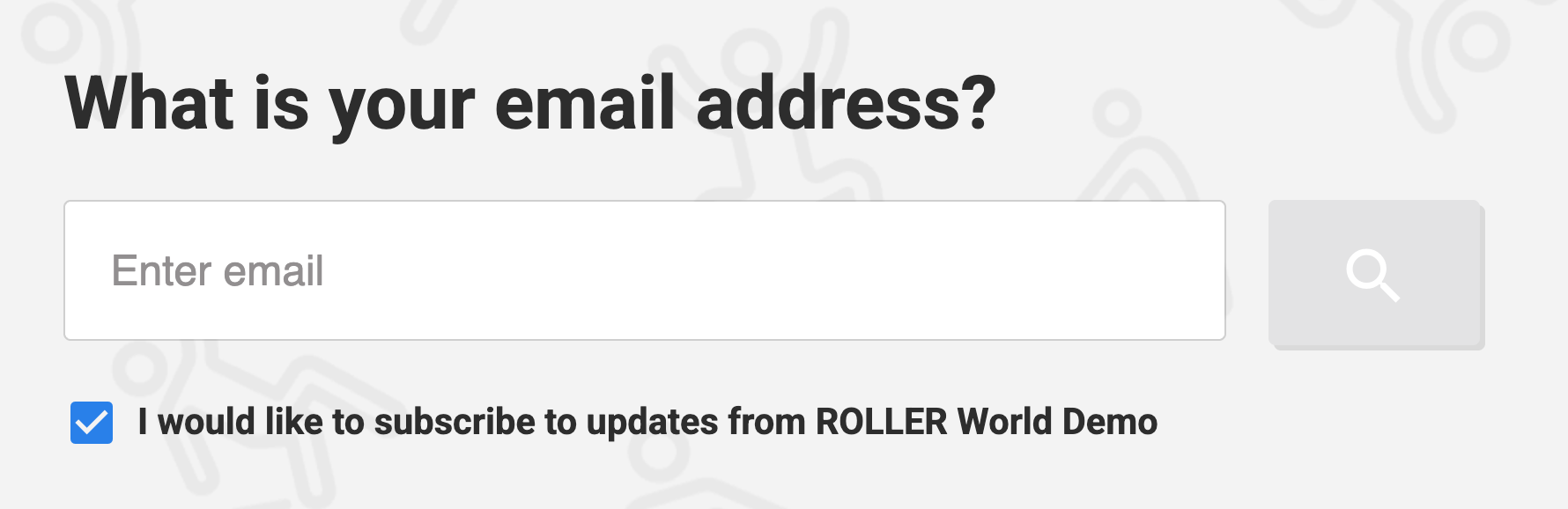
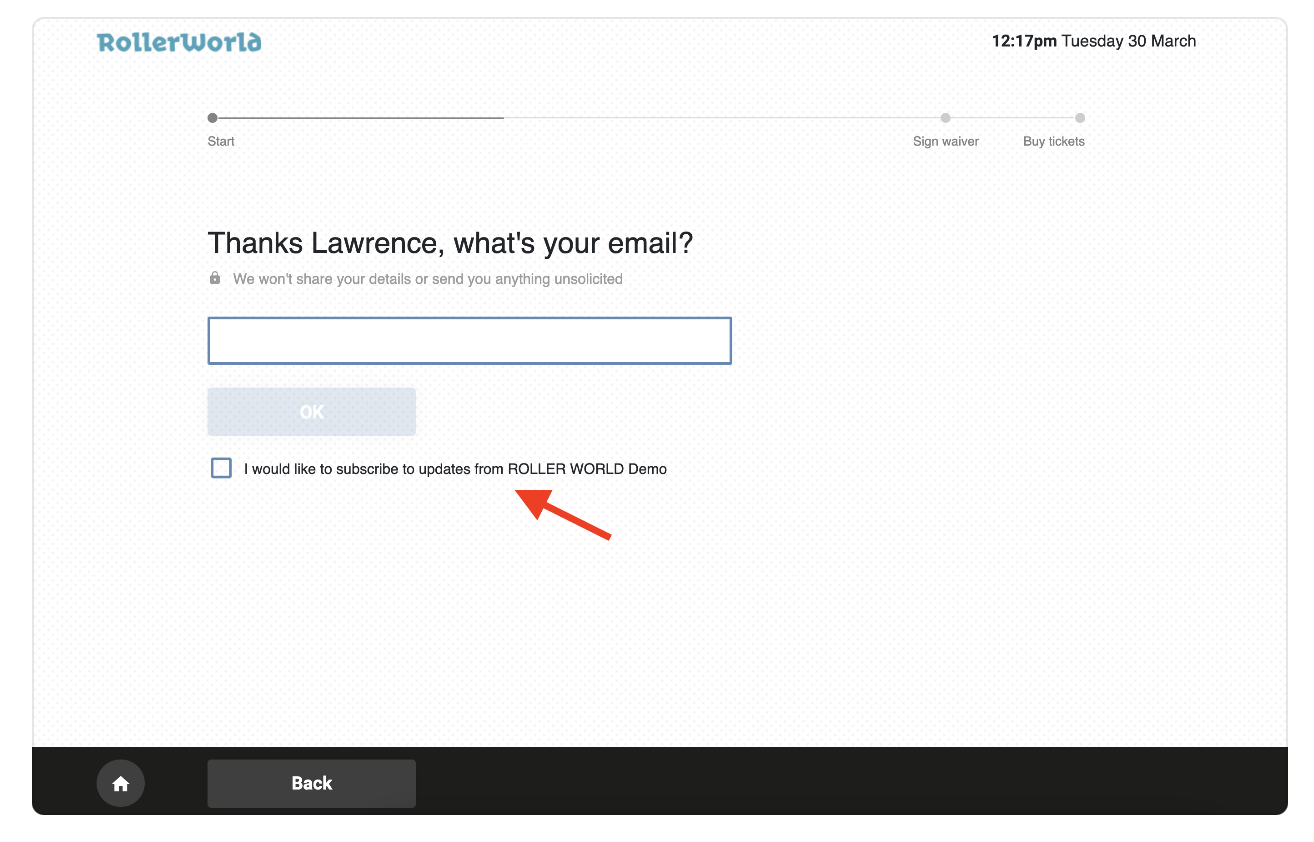
See below for how the subscription opt-in message will display in different ROLLER applications.
Online checkout
Online waiver
Waiver kiosk
Self-serve kiosk
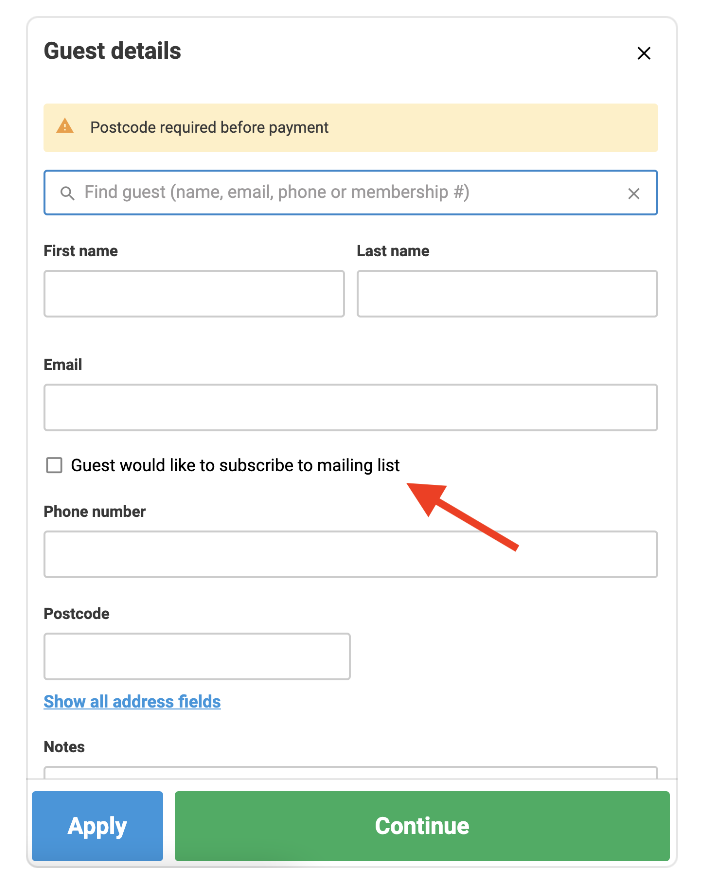
POS sell screen (staff only)
The POS sell screen is where staff enter guest details before proceeding to the payments page.
Subscription preferences persist until opt out
Once a guest opts in, their preference is saved the next time they interact with a subscription checkbox, even if they leave the box unchecked. Their subscription preferences persist unless they opt out later.
Engage with guests that have subscribed
When a guest subscribes to receive marketing or other communications from your venue, you can send communications to your subscriber. You can:
Export a list of your subscribers and upload the list into a third-party marketing tool
Use our Campaign Monitor integration to automate sending of your segmented data
Use our API.