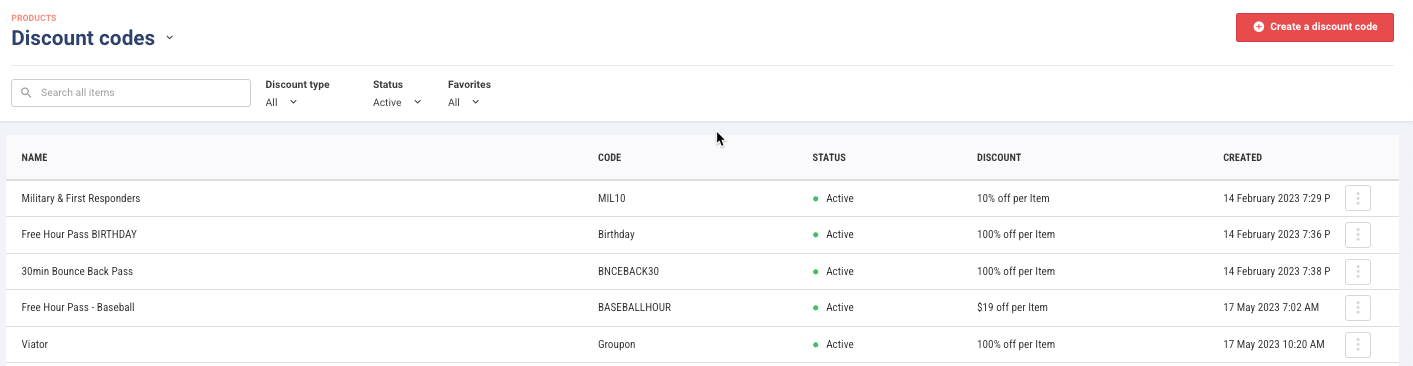
This guide shows you how to track discount codes.
The permission Can view discounts lets staff view all discount codes and settings — without the ability to make changes. Use this when team members need visibility into active offers, eligibility rules, or promo tracking, without risking accidental edits. This permission is automatically included in the administrator and manager system roles, and in any custom roles based on those.
From Venue Manager, go to Products > Discount codes.
Search for the discount name.
For the discount code, select the options menu (3 dots), then select View uses.
At the top of the table, you can see a high-level summary for all uses of the discount code including the total booking cost, total discount value and total uses.
Results show a list of bookings which have used the discount code including:
Booking ID
Booking Name
Date Used
Total Booking Cost
Discount Value
Booking Location (eg online)
POS Device
POS Operator