You can choose from several ROLLER Payments terminals depending on how and where you take in-person payments. Choose the right ROLLER Payments terminal for your venue setup, then place an order with the details the support team needs.
A payment terminal is the device guests tap, insert or swipe when paying in person. Use this guide to help you choose supported payment terminals and place an order through ROLLER.
Update on payment terminals
Payment terminal security standards are being updated across the industry. If you’re planning a new purchase or replacement, this section will help you choose a supported model.
Because of this, some terminal models (P400 Plus, M400 and V400) will no longer be sold from April 30, 2026, but will continue to be supported until at least April 2029. Newer models (P630, M450, S1F2 and AMS1) are current and supported.
If you’re looking for details about recent terminal changes or what this means for existing devices, jump to Terminal changes and support timelines below. Or compare the supported models directly below.
Choose your terminal
Use the quick picks below to narrow down a terminal for your setup, then compare models and specs.
Printed receipts are payment receipts only (cardholder/merchant). They are not itemized guest receipts which can be printed from POS.
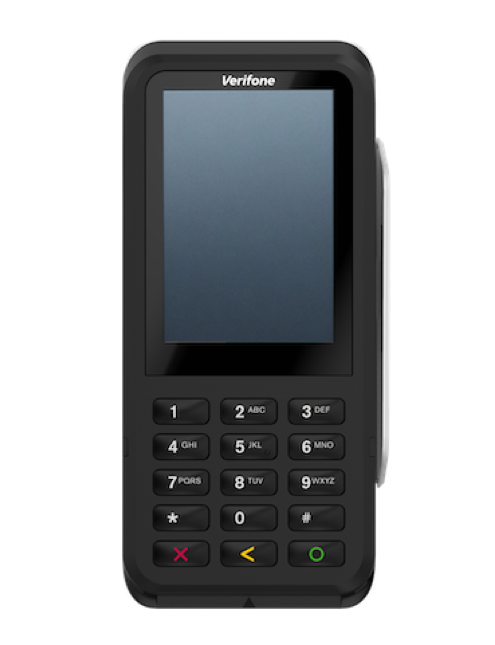
Fixed counter, no built-in printing: P630
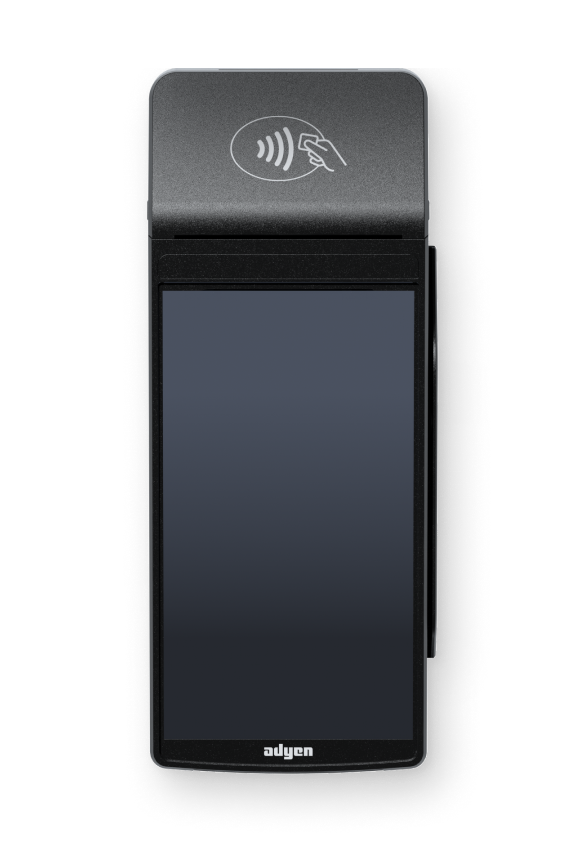
Portable (or countertop), prints cardholder/merchant payment receipts: S1F2
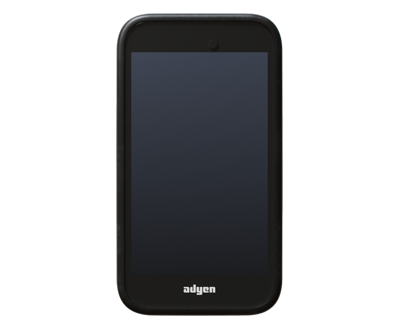
Portable, no built-in printing: AMS1
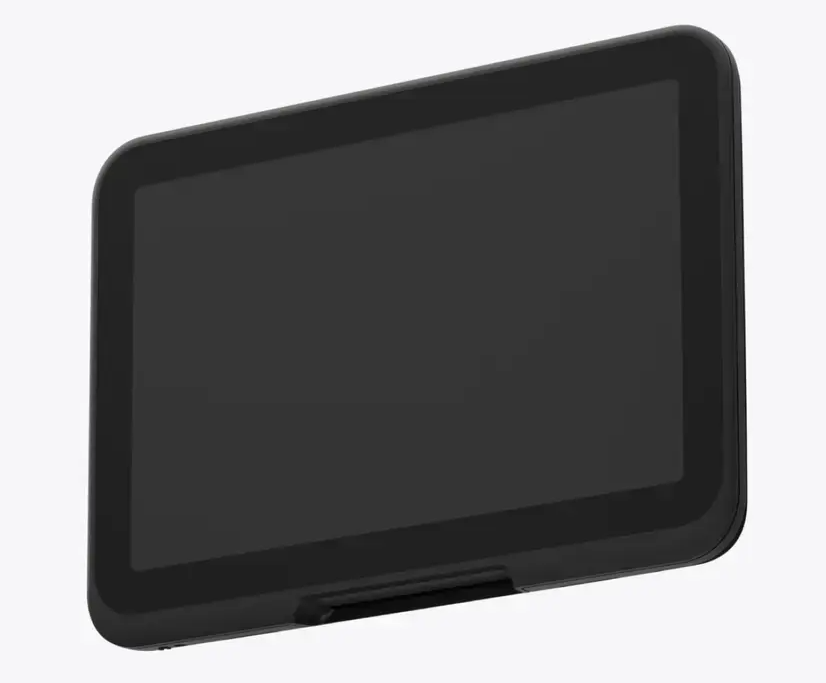
Large display with guided payment prompts, no built-in printing: M450
You can also mix terminals — for example, one at the counter and one portable terminal for peak periods.
Compare supported terminal models
Use the table below to compare supported terminal models and see which best fits your setup.
Model | Best for | Type | Prints | Size | Weight | Screen |
|---|---|---|---|---|---|---|
P630
| Reliable payments at fixed payment points | Countertop | No | 170 × 80 × 32 mm | 310 g | 3.5" HVGA touchscreen |
S1F2
| Portable (or countertop) with payment receipts (cardholder / merchant only) | Portable | Yes (payment receipts) | 200 × 78 × 56 mm | 495 g | 5.5" touch display |
AMS1
| Lightweight portable payments | Portable | No | 122 × 67 × 18 mm | 170 g | 4" touch display |
M450
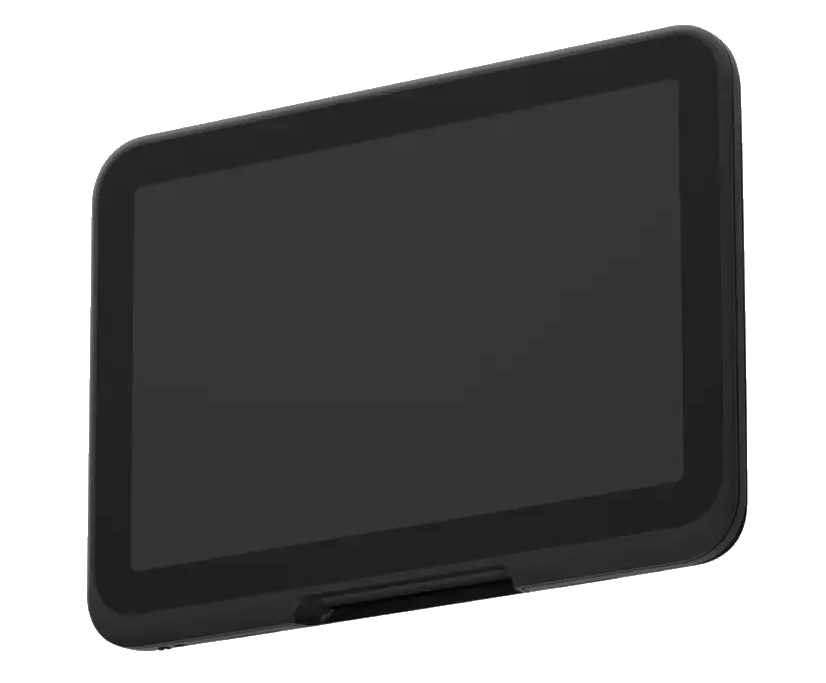
| Large display with guided payment prompts | Countertop | No | 201.25 × 210.8 × 29.2 mm | 629 g | 8" Touch HD display |
For itemized receipt setup from POS, see:
Get started with cloud printing to print your printers from POS over the internet.
Configure POS to print receipts (ROLLER Connect) to print directly from a POS computer.
Terminal details
Use the sections below for deeper specs, “what’s in the box” and links to how to set them up.
P630 (Android)
| Best for Features
Connectivity
Key specs
What’s in the box Unbox and set up |
S1F2 (Android)
| Best for Features
The standard S1F2 terminal includes a built-in camera and supported optional barcode scanner. However, the terminal camera cannot be used to scan items in ROLLER (eg tickets). ROLLER supports scanning QR codes and 2D barcodes using a separate USB barcode scanner connected to your POS device. Connectivity
Key specs
What’s in the box Unbox and set up |
AMS1 (Android)
| Best for Features
Connectivity
Key specs
What’s in the box Unbox and set up |
M450 (Android)
| Best for Features
Connectivity
Key specs
What’s in the box Unbox and set up |
How to order a ROLLER Payments terminal
Orders for payment terminals must be signed and paid before the ROLLER Payments team can start processing delivery.
To order terminals, contact the support team and provide:
Device name(s) and quantity (eg “2 × P630, 1 × S1F2”).
Delivery address (this can be different from your venue address).
Delivery recipient name.
Delivery recipient phone number.
Once the support team has this information, they’ll send you an invoice and place the order after it’s signed and paid.
If you plan to use Ethernet, you may need to source your own Ethernet cable.
Set up your terminal
After your terminal arrives, you can follow the guide Set up ROLLER Payments terminals guide to connect it to ROLLER Payments and complete some test transactions.
To configure your network to allow access to specific ports and addresses, review the guide Configure your network for ROLLER Payments terminals.
Terminal changes and support timelines
The questions below focus on recent terminal changes related to updated payment security standards and what they mean for existing terminals.
What is the new payment terminal standard?
The industry is moving to a newer security standard called PCI PTS 6 (Payment Card Industry PIN Transaction Security).
It’s a global standard that defines how payment terminals must protect card and PIN data during in-person transactions.
Why is it changing?
The standard is updated periodically to address new security risks and modern payment technology. Older terminal models were built to earlier versions of the standard, which is why some models are being phased out for new sales.
What are the benefits of the new standard?
Terminals that meet the latest standard help to:
Better protect card and PIN data
Reduce the risk of fraud and tampering
Meet current regulatory requirements
Do I need to replace my existing terminal right away?
No. If you already have an impacted model, you can continue using it.
This update mainly matters when you’re ordering new terminals or planning replacements. Support for impacted models ends in April 2029.
Why are some terminal models changing?
Payment terminal security standards are being updated across the industry (PCI PTS). Newer terminals meet the latest standards and are designed to be supported long-term.
Choosing a current model helps reduce the likelihood of needing another upgrade soon.
Which models are being phased out?
The following models can no longer be sold after April 30, 2026 due to updated payment security standards (PCI PTS 6):
Verifone P400 Plus
Verifone P400 Ethernet
Verifone M400
Verifone V400m
Verifone V400c
Verifone V240m (Legacy)
These devices may continue to be supported in active use until at least April 2029, but cannot be ordered new after this date.
Which models are current and supported?
The following models are current and supported for new orders and long-term use:
P630
S1F2
AMS1
M450
If I’m replacing an existing terminal, what should I choose?
Use the table below as a starting point when you’re replacing an older terminal. Choose based on where you take payments and whether you need printed payment receipts.
Printed receipts are payment receipts only (cardholder/merchant). They are not itemized guest receipts which can be printed from POS.
Your setup | Recommended terminal |
|---|---|
Fixed checkout counter, no built-in printer | P630 |
Portable (or countertop) payments with printed payment receipts | S1F2 |
Portable payments without printed payment receipts | AMS1 |
Large display with guided payment prompts, no built-in printer | M450 |
Printing rule for portable replacements
If you need printed payment receipts: Choose S1F2.
If you don’t need printed payment receipts: Choose AMS1.
This is a guide only. The best replacement depends on where you take payments and whether you need printed payment receipts.