Every booking starts with a product. Set up your passes, party packages, memberships, gift cards, and stock. From different ticket options to customizable food and drinks, provide choices that match what guests like, encouraging them to buy more.
This guide introduces you to the diverse range of products and their variation, helping you increase your revenue, attract new guests and keep guests coming back for more.
You might not be able to access certain product types mentioned here, depending on your subscription plan. To understand how to set up and update different options for each product, refer to the guide Create and manage products.
How it works
Customize your products and variations in Venue Manager
Create and customize your products according to your business requirements. Add product details, images, and resources to manage capacity. Set different ticket or product variations, pricing, and links to waivers and upsell items. You can include any product type as upsell items during online checkout (excluding party packages).Create schedules for time-restricted sessions
For time-bound products like session passes, party packages and recurring passes, set up their schedules to automatically control when tickets are available for purchase across the day.Add products to your sales channels
Once configured in Venue Manager, add your products to sales channels such as online checkout, food and beverage checkout, or POS menu. This enables guests to purchase products either online or at your venue.
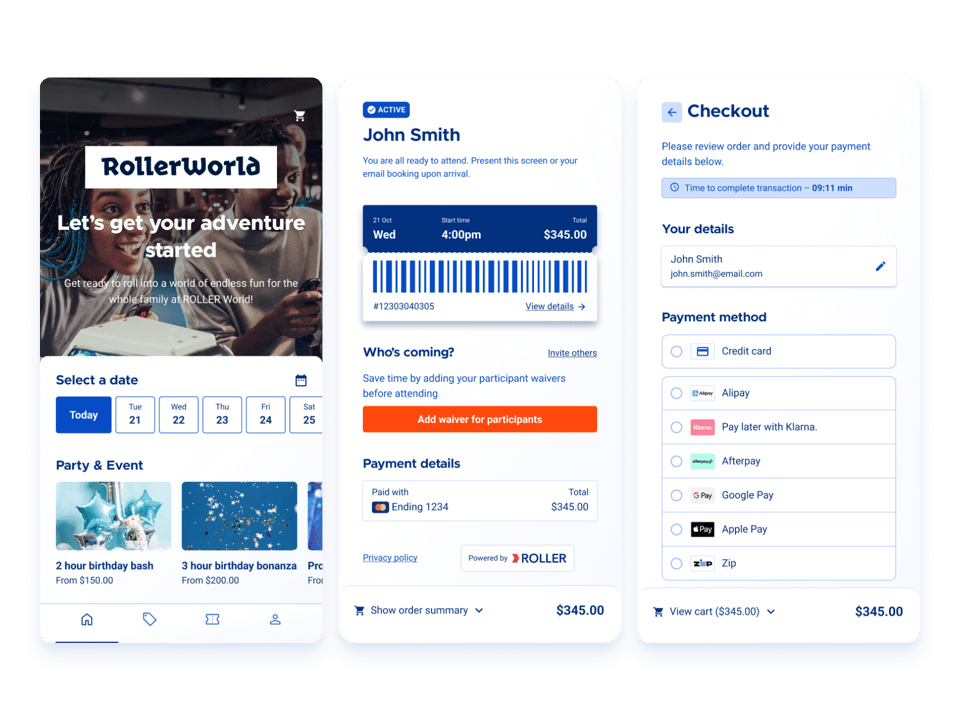
Create your products in Venue Manager
You create every product type from the same place in Venue Manager. Go to Products > Create product, where only the types available on your plan are listed. For the permissions you need and the settings you’ll work through, see the guide Create and manage products.
Session passes
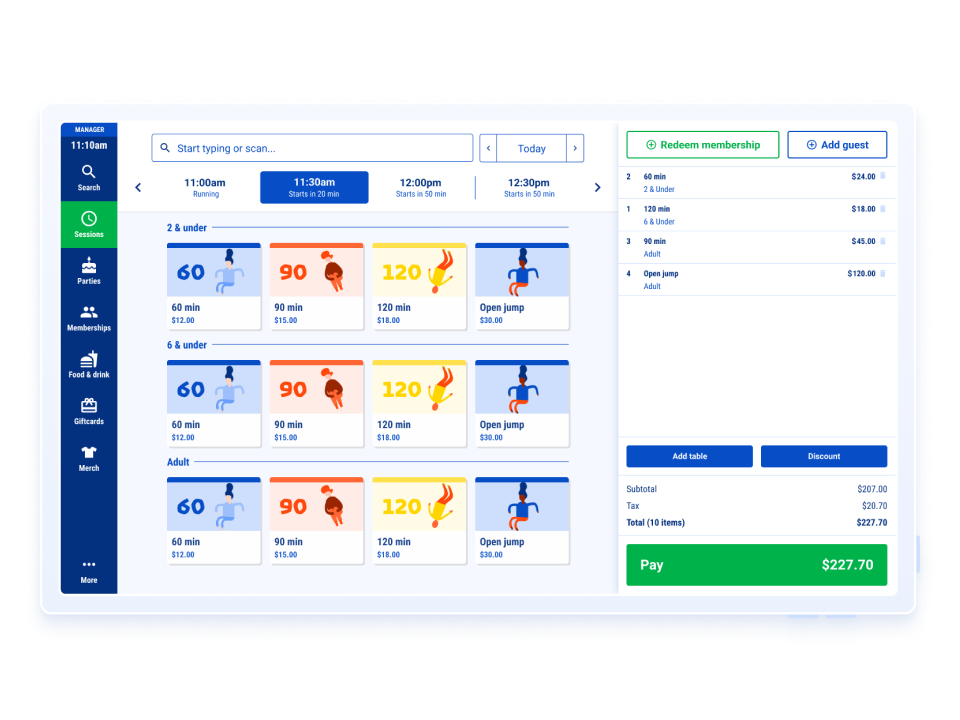
Sell multiple sessions throughout the day for various activities, such as 1-hour sessions that begin every 30 minutes. Offer different ticket types such as adult, child, concession, or family. Use this product together with resources to effectively manage capacity and schedules to control the dates and session times available for guests to purchase tickets.
Product examples | Variation examples for ticket types |
|---|---|
|
|
Party packages
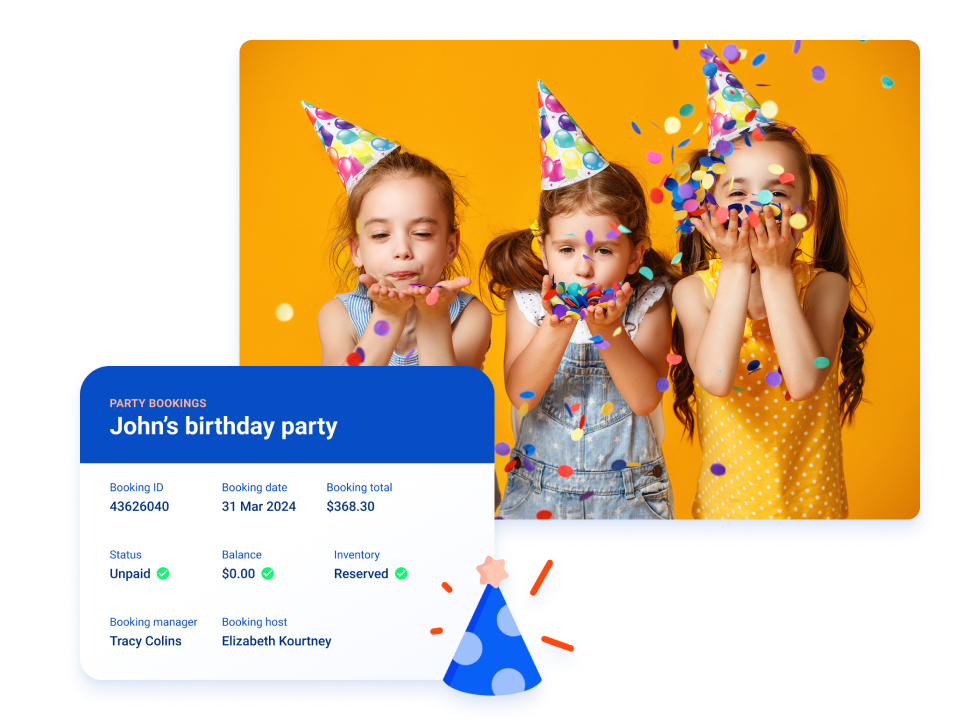
Sell time-limited party packages combining venue activities, like a 2-hour party that includes 1 hour of jumping followed by 1 hour in a party room. Include extras like food, drinks, cake and decorations to increase spending per guest. Set party packages to dynamically adjust the number of extras based on the number of booked party guests. Allow guests to choose variations such as pizza toppings when booking online for added convenience. Use resources and schedules to effectively manage venue capacity, exclusive use of party rooms and session times available to book.
Product examples | Variations |
|---|---|
|
|
Standard passes
Sell day passes, event tickets for specific dates, single-use day passes, passes for multiple visits within a set time, and season or annual passes. Unlike session passes, guests have the flexibility to visit at any time during the designated period.
Product examples | Variations |
|---|---|
|
|
Multi-passes
Sell bundles of session passes that guests redeem over several visits. A multi-pass sits between a single visit and a membership, so you can encourage guests to come back without asking them to commit to a recurring plan. Guests buy the pass once, and each eligible session is deducted automatically when they book. Multi-passes are available to venues using the progressive checkout.
Product examples | Variations |
|---|---|
|
|
Memberships
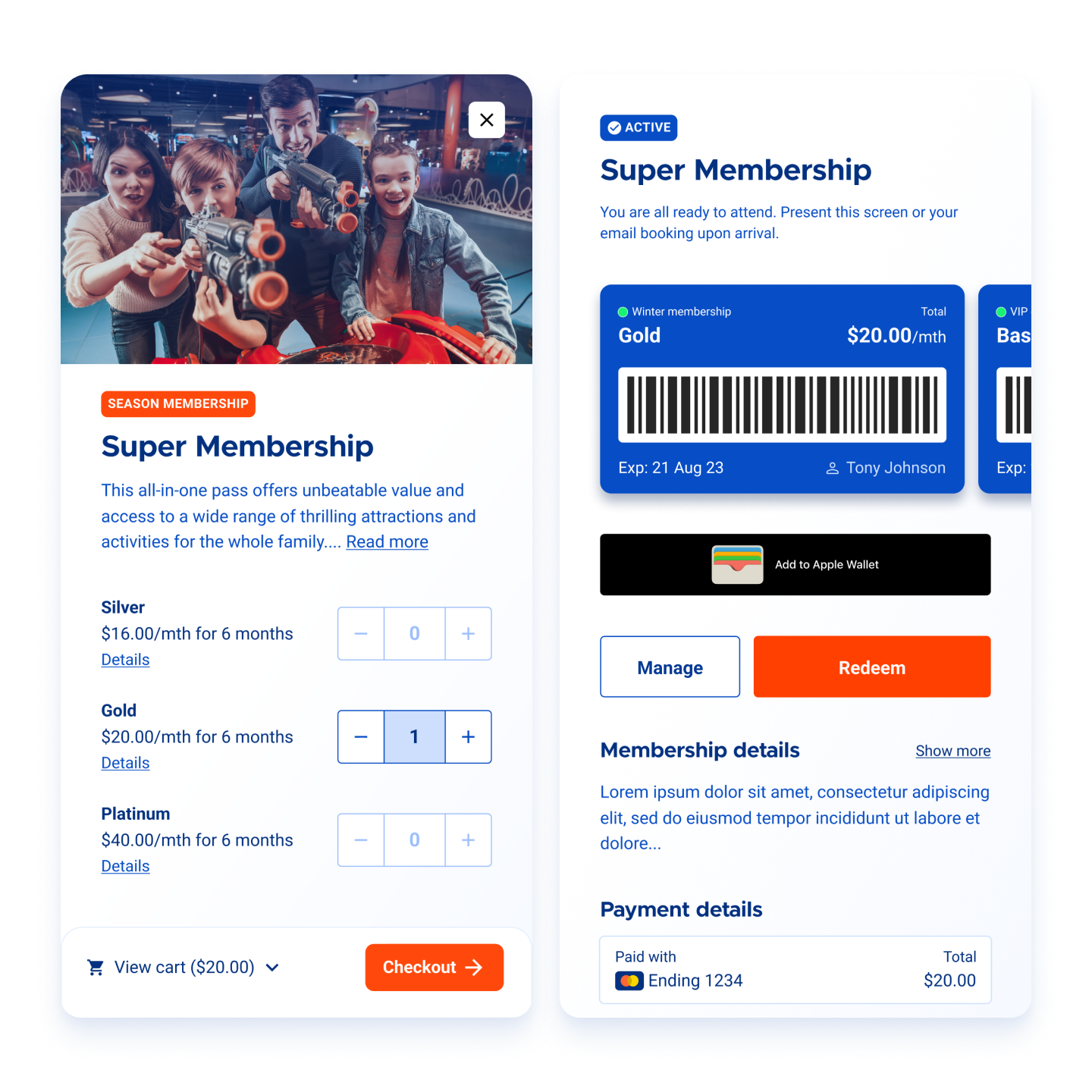
Sell memberships to keep guests coming back, ensuring a steady income and building strong guest connections. With memberships, you can offer discounted entry and other perks using a membership pass. You can choose to offer memberships at a fixed price or on a recurring basis.
Product examples | Variations |
|---|---|
|
|
Gift cards
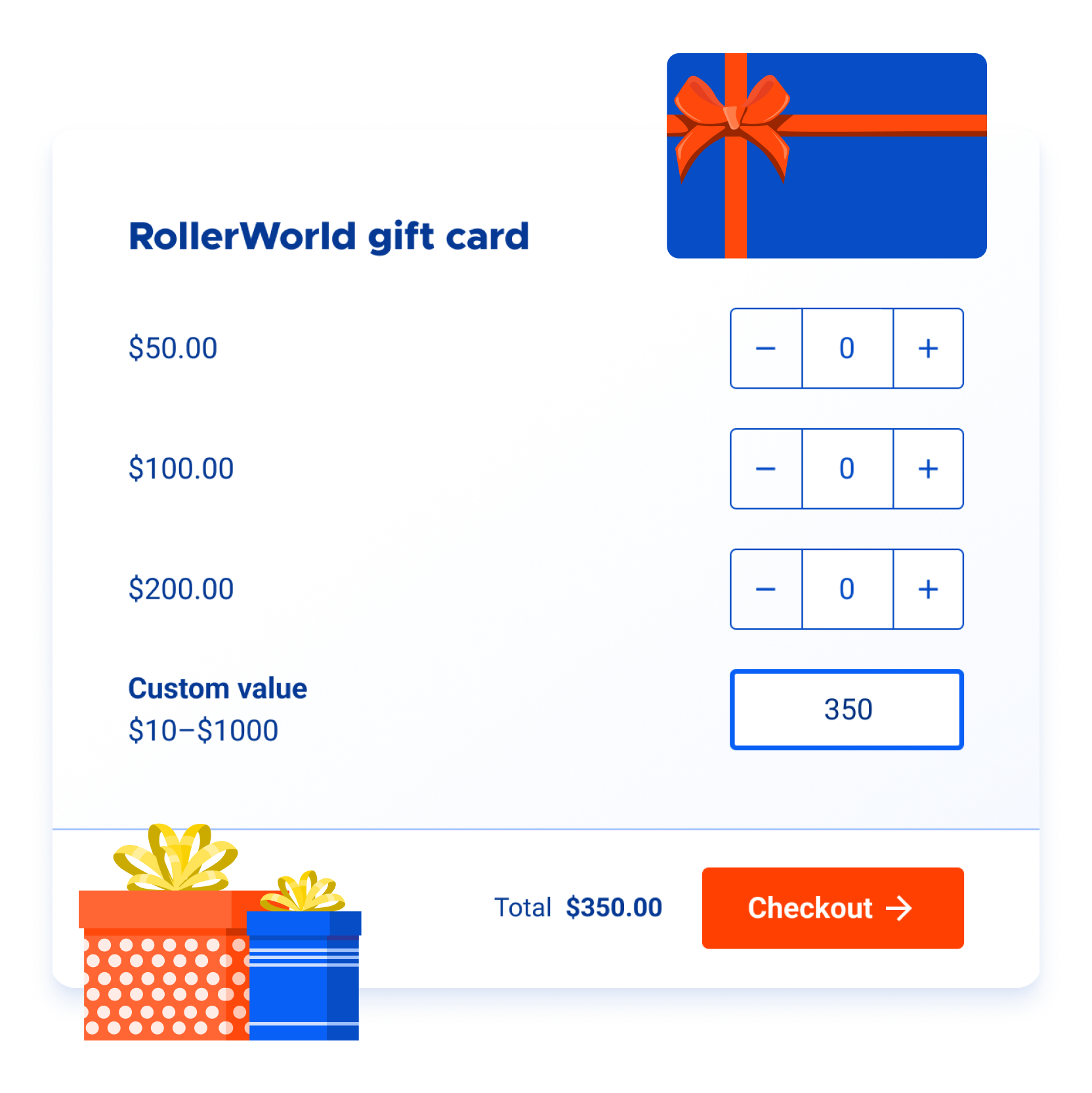
Sell gift cards as a way to boost sales and encourage guest loyalty. Gift cards are prepaid cards with a specific value that can be used instead of cash to make purchases or redeem products. They provide a unique and convenient gifting option, increase revenue by encouraging additional sales, promote your brand, and give recipients the flexibility to choose the products they want.
Product examples | Variations |
|---|---|
|
|
Stock items
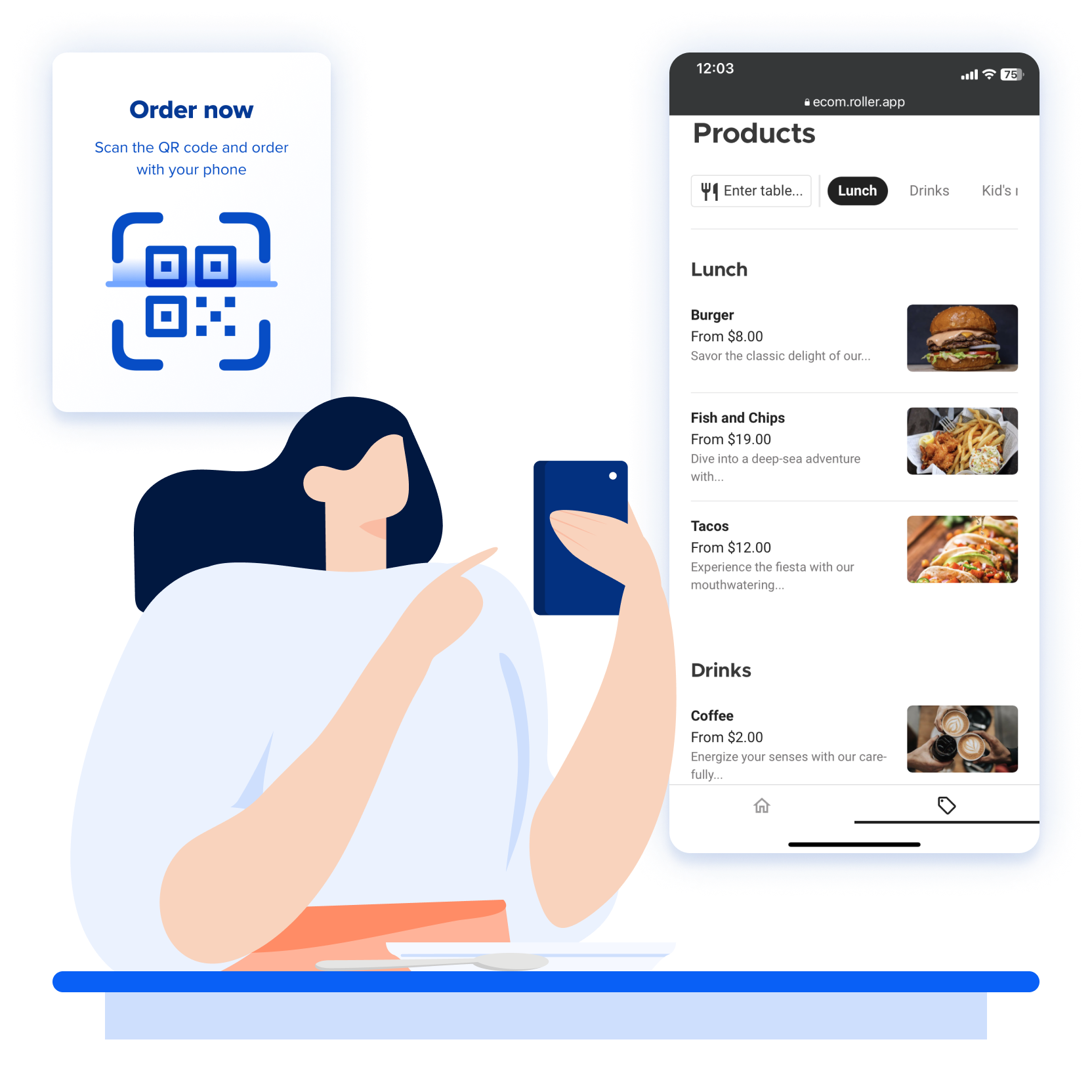
Sell food, beverages, jump socks, t-shirts or items for hire. Stock is used for the sale and distribution of goods or merchandise and can facilitate effective inventory management. You can also apply customizable options (modifiers) such as adding milk and sugar to a coffee or extra toppings for burgers to stock items at POS.
Product examples | Variations |
|---|---|
|
|
Cashless game cards
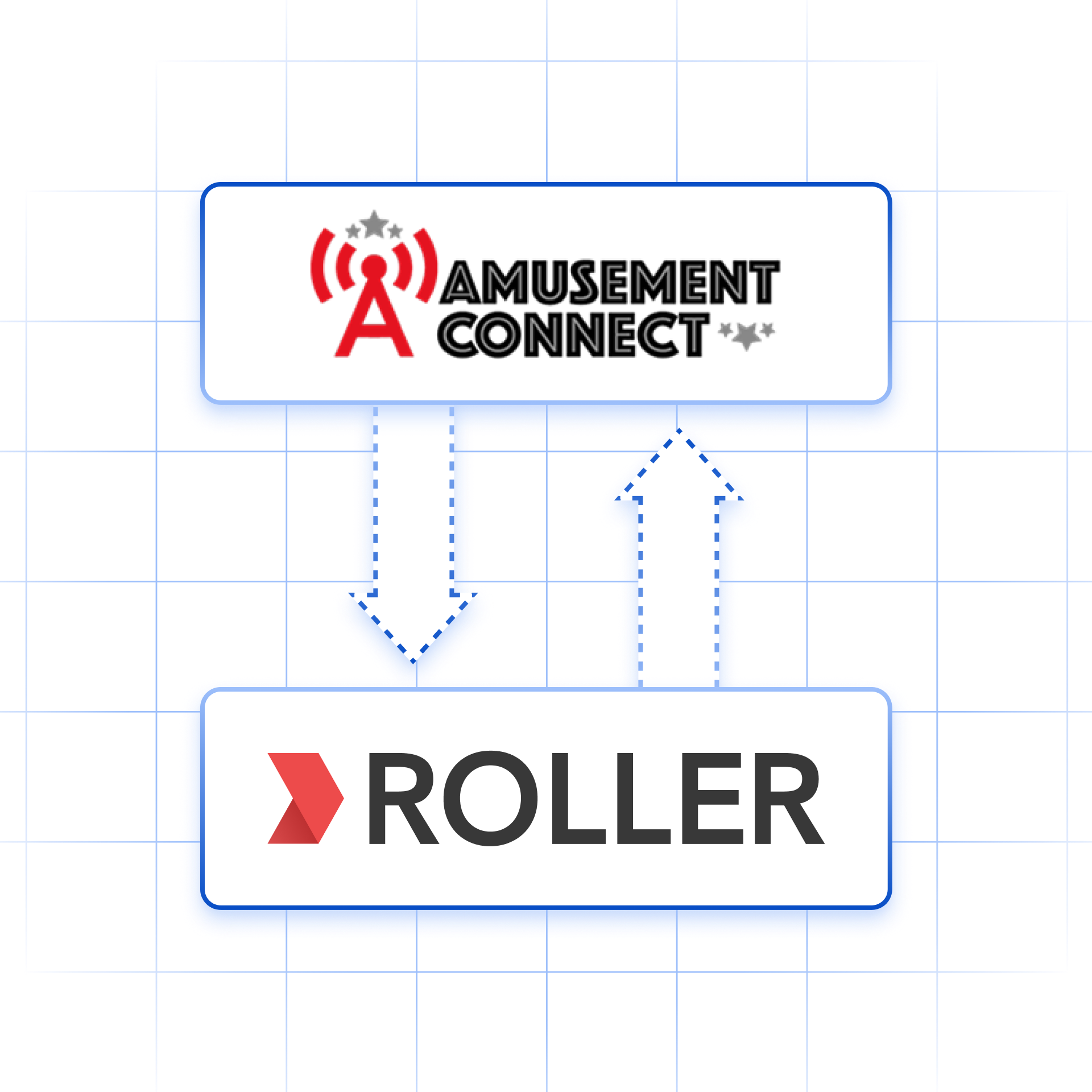
Sell cashless arcade game cards with our cashless card integrations with Amusement Connect and Intercard. Guests can purchase preset cash or time values, or a custom amount through the ROLLER online checkout, POS or Venue Manager. You can assign IDs to physical cards from ROLLER POS, and guests can top up and balance check at ROLLER POS stations throughout your venue.
Product examples | Variations |
|---|---|
|
|
Wallets
Sell pre-paid wallets that guests load with funds and spend at POS. A wallet assigns a balance to a scannable item such as a swipe card, RFID fob or wristband, and guests can top it up whenever they need to. Link several cards to one wallet so a family or group can share a single balance. Wallets are a POS payment method, so guests can’t use them in online checkouts or at a self-serve kiosk.
Product examples | Variations |
|---|---|
|
|
Recurring passes
Sell term-based classes with flexible pricing. For example:
A school holiday camp runs for 4 days (Monday to Thursday) and each day costs $30.
If a guest buys the pass before or on a Monday, the full price is 4 x $30 = $120.
However, if the pass is purchased on Tuesday, ROLLER automatically adjusts the total price to 3 days x $30 = $90.
To ensure capacity is managed effectively, this product must always be used alongside resources to manage capacity and schedules to manage session availability.
Product examples | Tickets / Variations |
|---|---|
|
|
Packages
Packages allow you to combine multiple existing products together to encourage guests to purchase more, for example, to buy food and beverage packages for their function.
Product examples | Variations |
|---|---|
|
|
Other product types
Add-ons are available on request. They highlight an item a guest can buy alongside another product, such as jump socks at checkout. We recommend stock products instead, so you can track inventory. To turn on add-ons, contact your customer success manager or the support team.